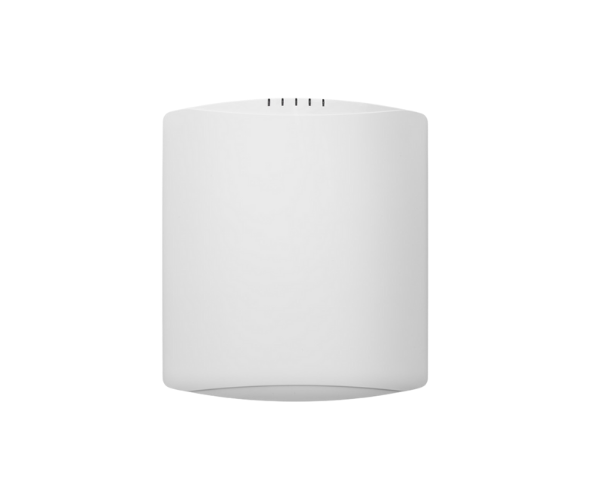
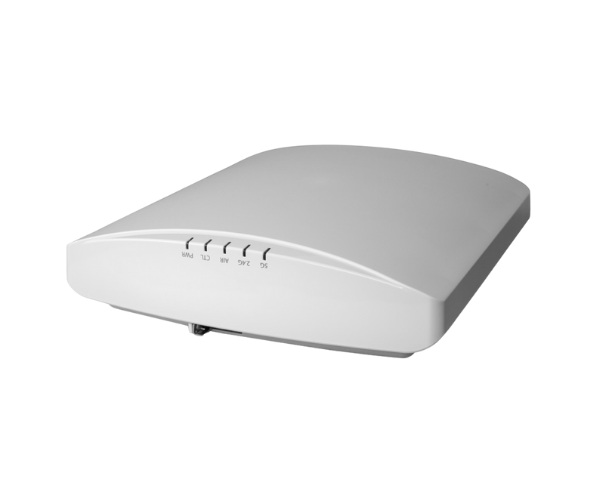
Introduction of RUCKUS R850 Indoor Access Point
The
RUCKUS R850 Indoor Access Point stands out as a top-tier solution for businesses seeking reliable and high-speed wireless connectivity. Built with the latest technology, the RUCKUS R850 is perfect for environments requiring extensive coverage and robust performance. Whether in offices, schools, or large venues, this access point delivers seamless connectivity to support an ever-growing number of devices.
Why Choose the RUCKUS R850 Indoor Access Point?
When it comes to enhancing your wireless network, the
RUCKUS Indoor Access Point offers numerous benefits. Its advanced Wi-Fi 6 technology ensures faster speeds and improved capacity, allowing multiple users to connect simultaneously without compromising performance. Additionally, its robust design means it can handle the demanding requirements of high-density environments, making it an ideal choice for businesses looking to future-proof their network infrastructure.
User Experience
Users consistently report high satisfaction with the
RUCKUS R850 Access Point. Many appreciate its ability to maintain strong connections even in crowded spaces, which is crucial for uninterrupted workflows. The installation process is straightforward, allowing organizations to minimize downtime and quickly benefit from enhanced connectivity. Overall, users find that the RUCKUS R850 significantly improves their wireless experience.
Detailed Breakdown of Features
- Wi-Fi 6 Technology: Offers higher speeds and increased capacity for more devices.
- Enhanced Security: Safeguards your network using strong security measures.
- Flexible Deployment: Suitable for various settings, from small offices to large venues.
- User-Friendly Management: Easily manage the network via a centralized interface.
- Multi-User MIMO: Supports simultaneous data transmission to multiple devices, enhancing efficiency.
- SmartMesh Technology: Enables seamless connectivity by extending coverage without additional cabling.
- Seamless Roaming: Ensures uninterrupted connectivity as users move within the network.
- Versatile Power Options: Supports PoE, simplifying installation and reducing cabling requirements.
Installation Steps
- Prepare the Site: Identify the ideal location for optimal coverage.
- Install the Access Point: Utilize the provided hardware to firmly secure the access point to either the wall or the ceiling.
- Connect Power: Utilize a Power over Ethernet (PoE) switch to supply power to the access point.
- Establish Network Connection: Use an Ethernet cable to connect the access point to your network switch.
- Configure Settings: Access the management interface to set up your network parameters, such as SSID and security settings.
- Test Connectivity: Ensure that devices can connect and access the network without issues.
Where It Can Be Used?
The
RUCKUS Indoor Access Point is versatile and ideal for various environments, including:
- Office Spaces: Providing reliable connectivity for employees.
- Educational Institutions: Supporting multiple devices in classrooms and common areas.
- Retail Stores: Enhancing customer experiences with seamless Wi-Fi access.
- Event Venues: Ensuring attendees remain connected during conferences or exhibitions.