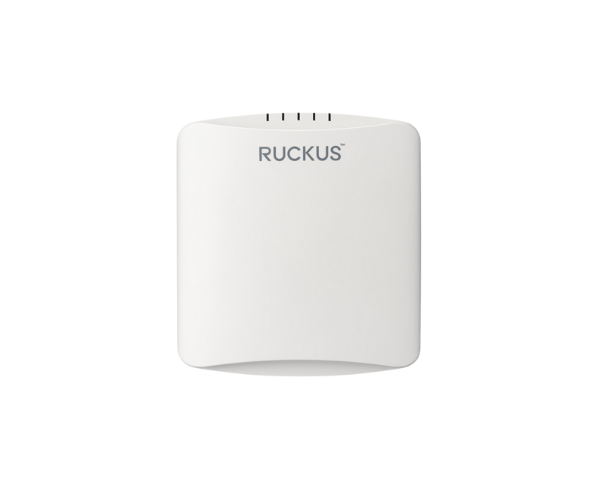
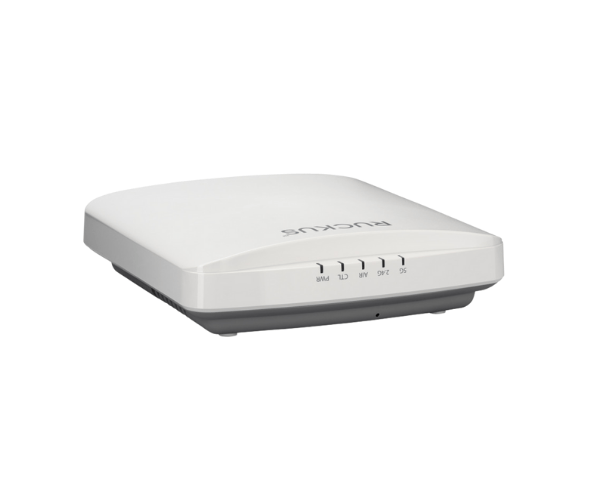
Introduction of RUCKUS R550 Indoor Access Point
The
RUCKUS R550 Indoor Access Point is engineered to deliver robust Wi-Fi connectivity in various indoor environments. With its advanced technology and user-friendly features, it ensures reliable internet access for all connected devices. Whether in an office, school, or retail space, this access point meets the demands of modern wireless networking, providing seamless connectivity.
Why Choose the RUCKUS R550 Indoor Access Point?
Choosing the
RUCKUS Indoor Access Point means opting for a device that combines high performance with exceptional reliability. This access point supports the latest Wi-Fi 6 technology, allowing for increased speed and capacity. It effectively manages multiple devices in high-density environments, ensuring that your network remains stable and responsive. Additionally, its straightforward installation process and robust security features make it an ideal choice for any organization looking to enhance their wireless network.
User Experience
Users consistently report a remarkable improvement in their wireless experience with the
RUCKUS R550 Access Point. Its ability to handle multiple devices simultaneously without compromising speed makes it perfect for busy environments. Moreover, its simple installation process and user-friendly interface allow for quick setup and minimal downtime. The consistent performance even in high-density settings has garnered positive feedback from businesses across various sectors.
Detailed Breakdown of Features
- Wi-Fi 6 Technology: Delivers enhanced speeds and greater capacity, allowing for simultaneous connections of more devices.
- Advanced Security: Safeguards your network with strong security measures and protocols.
- Durable Design: Constructed to endure the challenges of everyday use in high-demand environments.
- Flexible Deployment Options: Supports various mounting options for optimal placement.
- Power over Ethernet (PoE): Simplifies installation by allowing power and data transmission over a single cable.
- Intelligent Mesh Networking: Enables the formation of a robust network with minimal interference.
- User-Friendly Management Interface: Easily configure settings and monitor network performance.
- High-Performance Antennas: Ensures extended coverage and better signal quality.
- Scalability: Easily integrates with existing networks, allowing for future expansions.
- Optimized for High-Density Environments: Designed to provide reliable connections even with many simultaneous users.
Installation Steps
- Install the Access Point: Securely fasten the access point to the wall or ceiling using the provided mounting hardware.
- Connect to Power: Use a Power over Ethernet (PoE) switch to supply power to the access point.
- Connect to the Network: Link the access point to your network switch using an Ethernet cable.
- Configure Settings: Access the management interface to set up your network parameters for optimal performance.
- Test Connectivity: Verify that all connected devices can access the network smoothly.
Where It Can Be Used?
The
RUCKUS Indoor Access Point is suitable for various environments, including:
- Office spaces
- Educational institutions
- Retail shops
- Healthcare facilities
- Hotels and hospitality venues
- Public venues such as cafes and libraries



-70x60h.png "MOXA TN-4508B-CT-T Managed Ethernet Switch")


