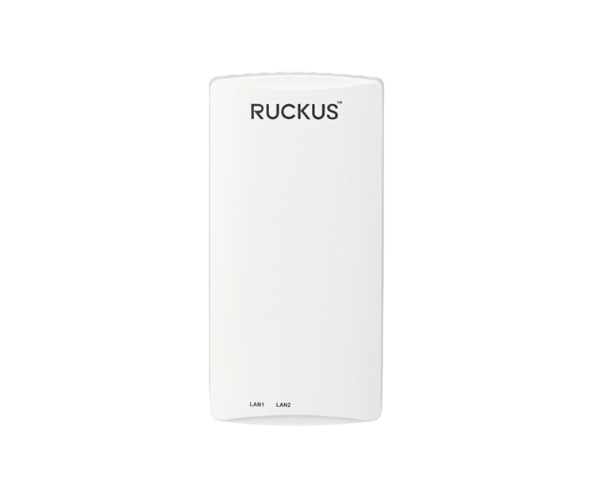
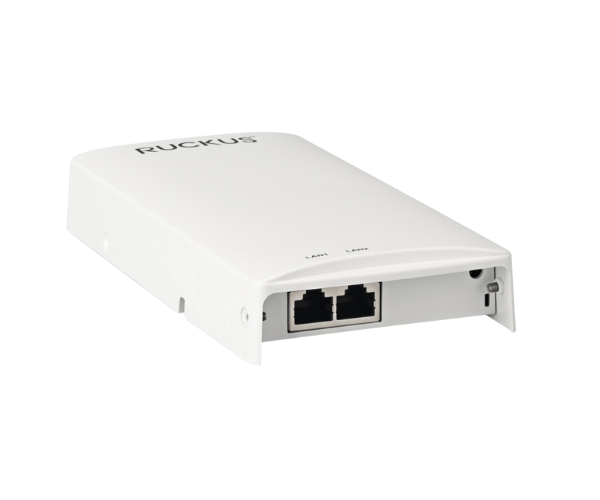
Introduction of RUCKUS H350 Indoor Access Point
The
RUCKUS H350 Indoor Access Point is engineered to deliver reliable and high-performance Wi-Fi connectivity in various indoor environments. This access point is particularly ideal for organizations seeking to enhance their wireless network capabilities, ensuring users experience seamless connectivity and high-speed internet access.
Why Choose the RUCKUS H350 Indoor Access Point?
Selecting the
RUCKUS H350 Access Point means investing in a solution that prioritizes both performance and durability. Its advanced features enable businesses to manage their network effectively, making it suitable for various indoor settings such as offices, schools, and retail locations. With its capability to handle multiple devices seamlessly, the H350 provides a reliable wireless experience for users.
User Experience
Users report a significant improvement in connectivity and network performance with the
RUCKUS Indoor Access Point. The easy setup process and robust security features contribute to an overall positive experience, allowing businesses to focus on their operations without worrying about connectivity issues. Its ability to support multiple devices ensures that employees and customers can enjoy fast internet access without interruptions.
Detailed Breakdown of Features
- Wi-Fi 5 Technology: Provides high-speed connectivity and supports multiple devices.
- Dual-Band Operation: Delivers improved performance by utilizing both 2.4 GHz and 5 GHz frequencies.
- MU-MIMO Technology: Enables simultaneous communication with multiple devices, enhancing user experience.
- Power over Ethernet (PoE): Simplifies installation by allowing you to deliver both power and data through a single cable.
- Cloud Management: Offers flexible management options, making it easy to monitor and control the network.
- Flexible Mounting Options: Can be easily installed on ceilings or walls, adapting to various environments.
- Robust Security Protocols: Protects sensitive data and prevents unauthorized access to the network.
- Compact Design: Blends seamlessly into indoor environments without being obtrusive.
- LED Indicators: Provide real-time information on power and network status, enhancing usability.
- Cost-Effective Solution: Offers high performance at a competitive price point.
Installation Steps
- Prepare the Site: Choose a location with good coverage and access to the network.
- Mount the Access Point: Use the provided mounting hardware to attach the access point securely to the wall or ceiling.
- Connect to Power: Utilize a Power over Ethernet (PoE) switch to supply power to the access point.
- Link to the Network: Use an Ethernet cable to connect the access point to your network switch.
- Configure the Settings: Access the management interface to set up the network parameters according to your requirements.
Where It Can Be Used?
The
RUCKUS Indoor Access Point is versatile and can be deployed in various settings, including:
- Offices
- Schools and universities
- Hospitals
- Retail stores
- Hotels
- Conference centers