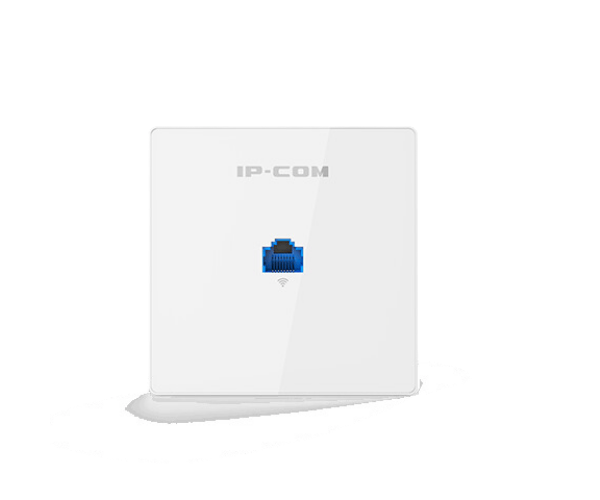
About the IP-COM Pro-6-LR 802.11AX Dual-Band Long Range Access Point
The IP-COM Pro-6-LR 802.11AX Dual-Band Long Range Access Point is a high-performance Wi-Fi solution designed for large-scale environments. Offering dual-band support, superior range, and cutting-edge 802.11AX technology, it provides reliable and seamless wireless connectivity with enhanced speed, coverage, and efficiency.
IP-COM Pro-6-LR 802.11A-X Dual-Band Long Range Access Point in BD
The IP-COM Pro-6-LR 802.11AX Dual-Band Access Point delivers exceptional performance with Wi-Fi 6 technology, offering faster speeds, better efficiency, and more reliable connections. Perfect for large environments, it supports high-density networks and provides enhanced range and capacity for both residential and commercial spaces.
User Experience
Users of the IP-COM Pro-6-LR 802.11AX Access Point enjoy seamless, high-speed wireless connections even in large or crowded spaces. With 802.11AX technology, this access point handles heavy traffic more efficiently, ensuring stable performance and greater coverage. The device is easy to install and offers a wide coverage area, making it a perfect fit for schools, office buildings, and public spaces. Enhanced security features like WPA3 ensure data protection, while the dual-band support offers flexibility for various devices.
Why Choose the IP-COM Pro-6-LR 802.11AX Dual-Band Long Range Access Point?
Choosing the IP-COM Pro-6-LR 802.11AX Long Range Access Point means opting for a top-tier solution designed to meet the needs of modern, high-demand environments. With Wi-Fi 6 (802.11AX) technology, it improves the speed and capacity of your network, offering ultra-fast, reliable connections even in high-density areas. Its extended range ensures that no part of your space is left without strong wireless connectivity. The PoE (Power over Ethernet) support simplifies installation, while its robust design makes it ideal for both indoor and outdoor use.
Installation Steps
- Unbox the Access Point: Remove the IP-COM Pro-6-LR 802.11AX Dual-Band Access Point from the packaging and ensure all parts are included.
- Mount the Device: Attach the access point to a wall or ceiling using the mounting bracket. Ensure the location is central to the area needing coverage.
- Connect Power: Connect the device to your network’s PoE (Power over Ethernet) switch for power and data connectivity.
- Configure the Access Point: Access the configuration page via a web browser by entering the device's IP address. Log in and follow the setup wizard to configure network settings.
- Test the Connection: Once configured, test the Wi-Fi coverage and connection to ensure the device is working optimally.