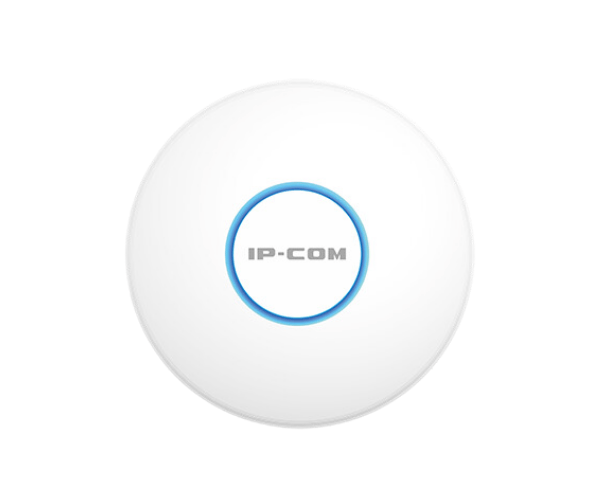
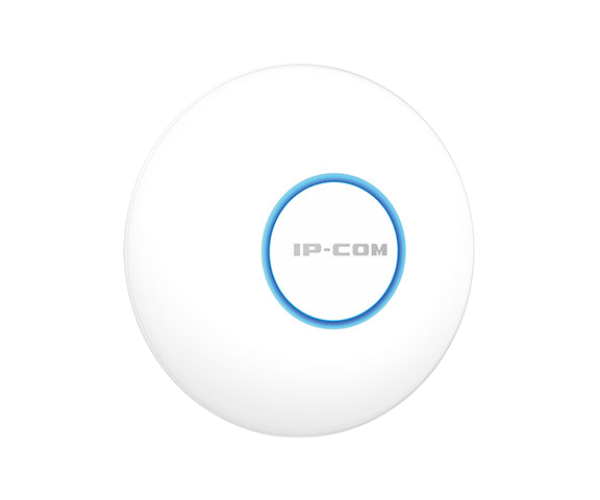
About the IP-COM AX3000 Wi-Fi6 Dual-Band Access Point
The IP-COM AX3000 Wi-Fi6 Dual-Band Access Point is a high-performance device offering faster speeds, greater coverage, and a reliable network connection. Supporting Wi-Fi 6 technology, it enhances both speed and efficiency, making it ideal for home or office environments.
IP-COM AX3000 WiFi6 Dual-Band Access Point in BD
The IP-COM AX3000 WiFi6 Dual-Band Access Point is designed to provide seamless, high-speed wireless connectivity. With Wi-Fi 6 support, it delivers faster speeds, improved capacity, and increased efficiency. Perfect for homes, businesses, and enterprises, this access point supports a variety of wireless applications, offering a robust and reliable internet experience.
User Experience
The IP-COM AX3000 Access Point offers exceptional performance for high-demand environments. Whether you're streaming videos, gaming, or handling heavy data, this access point ensures high speeds and low latency. Users enjoy faster connections, even with multiple devices connected simultaneously. The setup process is straightforward, with seamless integration into your existing network. Its ability to manage multiple devices without sacrificing performance makes it a must-have for modern homes and businesses alike. Overall, it provides an excellent balance of speed, coverage, and reliability.
Why Choose the IP-COM AX3000 Wi-Fi6 Dual-Band Access Point?
The IP-COM AX3000 Access Point stands out because it supports the latest Wi-Fi 6 technology, ensuring faster speeds and better efficiency, especially in dense environments with multiple devices. Its ability to deliver 3000 Mbps speeds, coupled with its dual-band capability, allows users to enjoy lag-free gaming, seamless streaming, and quick file transfers. Ideal for both residential and commercial use, this access point offers enhanced coverage and robust security with WPA3, providing the best performance for your wireless network.
Installation Steps
- Unbox the device and verify all accessories, including the Ethernet cable and power adapter.
- Mount the access point in a central location for maximum coverage, either on the ceiling or wall.
- Connect the access point to your router using the included Ethernet cable.
- Power the device on using the Power over Ethernet (PoE) connection or the power adapter.
- Access the web interface by typing the default IP address in your browser to configure settings.
- Set up your network name (SSID) and configure security options such as WPA3 for enhanced protection.
- Complete the setup and test the connection by connecting devices to your new network.