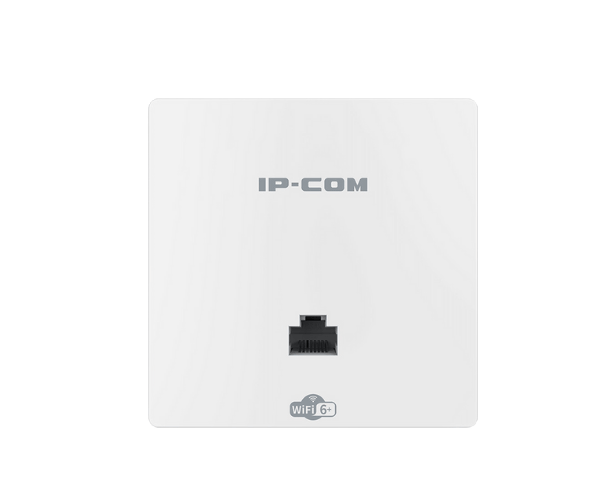
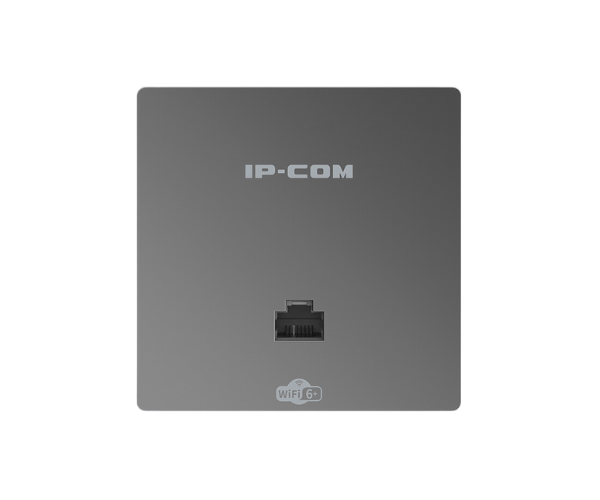
About the IP-COM AX3000 Dual-Band Gigabit Wi-Fi 6 In-Wall AP
The IP-COM AX3000 Dual-Band Gigabit Wi-Fi 6 In-Wall AP is a high-performance access point designed for seamless Wi-Fi coverage in both residential and business environments. Equipped with the latest Wi-Fi 6 technology, it delivers faster speeds, greater efficiency, and lower latency. Its in-wall design saves space while ensuring a clean and discreet installation, making it perfect for modern networking needs.
IP-COM AX3000 Dual-Band Gigabit Wi-Fi 6 In-Wall AP in BD
The IP-COM AX3000 Dual-Band Gigabit Wi-Fi 6 In-Wall AP is an advanced access point designed for reliable, high-speed wireless networking. With the latest Wi-Fi 6 support, it enhances data transfer speeds and reduces latency, ensuring smooth performance even in high-density environments. Whether you’re in a busy home or a commercial setting, this device offers improved efficiency and better handling of multiple devices at once.
User Experience
With the IP-COM AX3000 Dual-Band Gigabit Wi-Fi AP, users can expect seamless, high-speed internet access for a variety of tasks, from 4K streaming to online gaming. The device’s Wi-Fi 6 support ensures that it can handle multiple devices simultaneously without sacrificing speed or stability. Thanks to the efficient power-over-ethernet (PoE) option, setup is simplified, and the in-wall design maintains a clean, clutter-free environment. Installation is straightforward, and users report excellent coverage, ensuring that all areas of a home or office receive strong, uninterrupted signals.
Why Choose the IP-COM AX3000 Dual-Band Gigabit Wi-Fi 6 InWall AP Access Point?
The IP-COM AX3000 Dual-Band Gigabit Access Point is perfect for users who want high-speed, reliable wireless networking without compromising on space. Its advanced Wi-Fi 6 technology offers a significant boost in performance, making it ideal for both high-demand residential and commercial applications. The in-wall design is a unique feature that ensures easy integration into your home or office, providing excellent coverage without taking up valuable space. With PoE support and a robust security suite, this access point delivers everything you need for optimal network performance.
Installation Steps
- Unbox the Device: Check that all components are included.
- Choose Installation Location: Select a central area for maximum coverage.
- Mount the Access Point: Install the IP-COM AX3000 Dual-Band Access point into the wall using the provided mounting bracket.
- Connect the Power: Use PoE or connect a DC adapter to provide power.
- Connect Ethernet: Plug in an Ethernet cable to the Gigabit Ethernet port for network connectivity.
- Configure the Settings: Access the web interface or mobile app to set up your Wi-Fi network and security preferences.
- Test the Network: Confirm that the AP provides stable Wi-Fi coverage across the designated area.