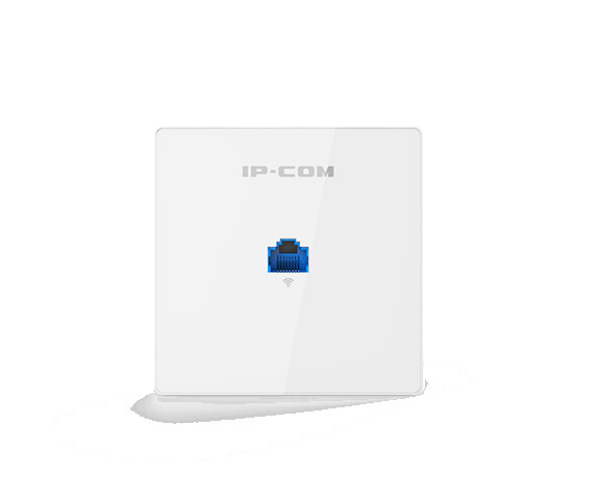
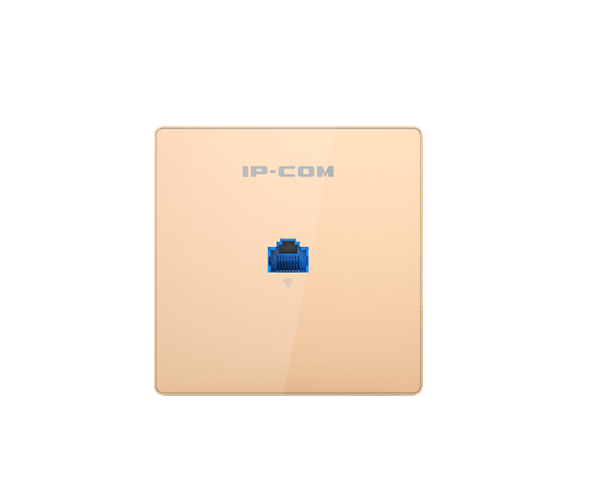
About the IP-COM AC1200 Dual Band Gigabit In-Wall Access Point
The IP-COM AC1200 Dual Band Gigabit In-Wall Access Point is a high-performance networking solution designed for seamless connectivity in residential or commercial spaces. It provides dual-band Wi-Fi, gigabit speeds, and reliable coverage for high-density environments, ensuring an optimized user experience.
IP-COM AC1200 Dual Band Gigabit In-Wall Access Points in BD
The IP-COM AC1200 Dual Band Gigabit Access Point is a high-speed networking solution ideal for providing strong and reliable wireless coverage in homes, offices, or any indoor space. Its compact, in-wall design and dual-band support ensure high-speed internet connectivity without cluttering the environment.
User Experience
The IP-COM AC-1200 Dual Band Gigabit In-Wall Access Point offers an excellent user experience by delivering fast, reliable, and stable Wi-Fi performance. Its dual-band technology allows users to enjoy optimal speeds for various activities such as streaming, browsing, or gaming. With the gigabit Ethernet port, users can experience seamless wired connections alongside Wi-Fi, ensuring that all devices have fast and uninterrupted access to the internet. The in-wall design is perfect for reducing cable clutter, and the installation process is easy and straightforward, making it ideal for both residential and business setups.
Why Choose the IP-COM AC1200 Dual Band Gigabit InWall Access Point?
The IP-COM AC1200 Dual Band Access Point is the perfect choice for those seeking a high-performance, compact, and easy-to-install solution for both wired and wireless connectivity. Its dual-band support ensures that it can handle heavy internet traffic, making it ideal for environments where multiple devices are connected at once. The gigabit Ethernet port allows users to achieve ultra-fast speeds for bandwidth-intensive tasks. With the PoE (Power over Ethernet) feature, the device can be conveniently powered through the same cable that carries the data, saving time and reducing clutter. Its in-wall design helps preserve space and maintain a tidy, clutter-free setup.
Installation Steps
- Prepare the Installation Area: Choose a suitable location near an existing Ethernet port or router. Ensure the area is clear of obstructions for optimal signal coverage.
- Connect Ethernet Cable: Connect the Ethernet cable to the device's Ethernet port. If using Power over Ethernet (PoE), ensure the cable is plugged into a PoE-enabled switch.
- Mount the Access Point: Use the provided mounting hardware to secure the IP-COM AC1200 Access Point to the wall.
- Power the Device: If using PoE, the device will power up automatically. If not, connect the device to a DC power supply.
- Configure the Access Point: Access the device's configuration interface via a web browser and configure the wireless settings, including the SSID, password, and security settings.
- Test the Connection: After installation, connect your Wi-Fi-enabled devices to the new network and verify the signal strength and speed.