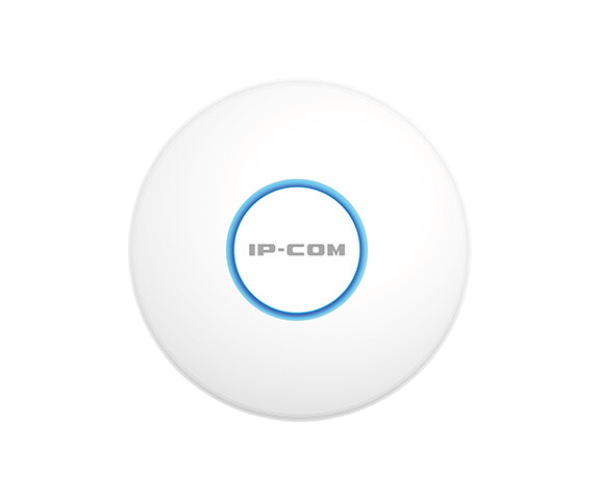
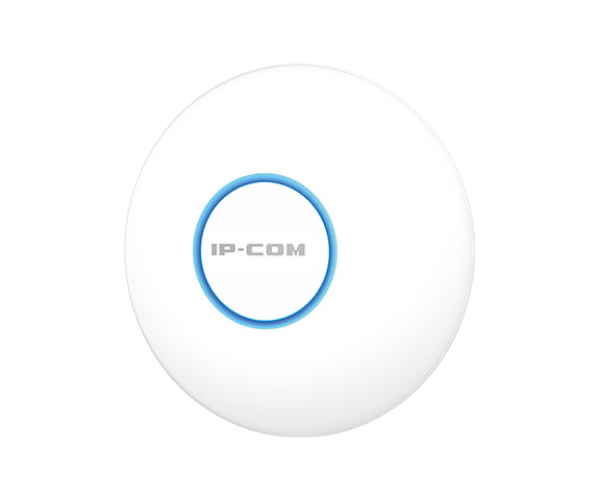
About the IP-COM AX1500 Wi-Fi 6 Dual Band Gigabit Ceiling AP
The IP-COM AX1500 Wi-Fi 6 Dual Band Gigabit Ceiling AP delivers high-speed wireless connectivity with the latest Wi-Fi 6 technology, offering reliable, high-performance internet access for businesses and large areas. Its dual-band support ensures seamless connectivity with greater bandwidth and improved coverage.
IP-COM AX1500 WiFi 6 Dual Band Gigabit Ceiling AP in BD
The IP-COM AX1500 6 Dual Band Gigabit Ceiling AP is a ceiling-mounted access point that supports the latest Wi-Fi 6 standard, offering faster speeds, lower latency, and improved network capacity. Designed for high-demand environments like offices and schools, it ensures consistent coverage and performance across large spaces.
User Experience
Using the IP-COM AX1500 WiFi 6 Dual Band Gigabit Ceiling AP results in an excellent wireless experience. The installation is simple, with Power over Ethernet (PoE) making it easy to mount and connect the device. Once in place, users will enjoy fast, stable connections for streaming, gaming, or working. The dual-band capability ensures devices connect to the most suitable network for optimal performance, reducing congestion. The Wi-Fi 6 support boosts speed and connectivity in busy environments, making it a great solution for modern businesses and homes.
Why Choose the IP-COM AX1500 Wi-Fi 6 Dual Band Gigabit Ceiling AP?
The IP-COM AX1500 Wi-Fi Ceiling AP offers unbeatable Wi-Fi speeds, outstanding reliability, and modern features like Wi-Fi 6 technology. Whether you need to support multiple devices in a business or improve home connectivity, this ceiling-mounted access point ensures you get the best performance. With easy installation, security protocols like WPA3, and high-speed performance across both 2.4 GHz and 5 GHz bands, the IP-COM AX1500 is ideal for handling demanding network requirements in today's connected world.
Installation Steps
- Unbox the device and ensure all components are available.
- Select the installation location on the ceiling, ensuring it is centrally located for optimal coverage.
- Connect the Ethernet cable to the access point's Gigabit Ethernet port.
- Mount the AP on the ceiling using the provided screws or mounting bracket.
- Power the device via PoE (Power over Ethernet) or DC input.
- Access the management interface using a browser and configure network settings.
- Test the Wi-Fi connection and ensure devices connect properly to the 2.4 GHz and 5 GHz networks.