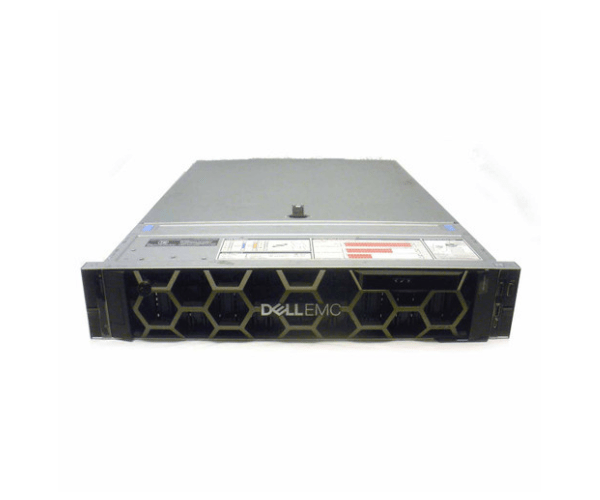
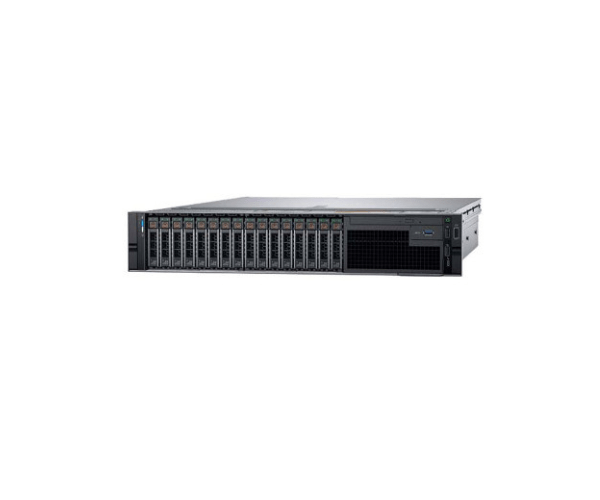
Introduction of Dell K2Y8N 2.5in x24 Bay Lff Backplane for R740 & R740XD
The Dell K2Y8N 2.5in x24 Bay Lff Backplane enhances storage for Dell PowerEdge R740 and R740XD servers. This high-performance backplane enables the installation of up to 24 2.5-inch drives, providing extensive storage capabilities to support demanding applications and data-intensive environments. With its efficient design, the Dell K2Y8N enhances your server's storage potential, ensuring reliable operation and optimal performance.
Why Choose the Dell K2Y8N 2.5in x24 Bay Lff Backplane?
The Dell K2Y8N 2.5in x24 Bay Backplane stands out as a premium storage solution for the Dell PowerEdge R740 and R740XD servers. It supports up to 24 2.5-inch drives, offering significant storage expansion for your server setup. The Dell K2Y8N is engineered with high-quality materials and an optimized cooling system to ensure longevity and reliable performance. Its seamless integration with the PowerEdge R740 and R740XD makes it a top choice for enhancing server capacity and efficiency.
User Experience
Users consistently praise the Dell K2Y8N for its easy installation and reliable performance. It seamlessly integrates with Dell PowerEdge R740 and R740XD servers. The robust construction ensures high operational efficiency. Its effective cooling design enhances performance. The Dell K2Y8N provides increased storage capacity, supporting various applications. It is an excellent addition to data centers and enterprise environments.
Key Features
- High Capacity: Accommodates up to 24 2.5-inch drives.
- Durable Construction: Made from high-grade metal for durability.
- Efficient Cooling: Features an optimized airflow design to prevent overheating.
- Seamless Integration: Specifically designed for Dell PowerEdge R740 and R740XD servers.
- Enhanced Performance: Provides significant storage expansion to meet demanding data needs.
Installation Steps
- Power Down: Ensure the server is powered off and disconnected from the power source.
- Remove Existing Components: If necessary, remove any existing backplane or drive cages.
- Position the Backplane: Align the Dell K2Y8N backplane with the mounting slots in the server chassis.
- Secure the Backplane: Attach the backplane using the provided screws or mounting brackets.
- Connect Cables: Plug in the SAS/SATA cables from the backplane to the server’s internal connectors.
- Reassemble: Replace any covers or components removed during installation.
- Power On: Reconnect the power and turn on the server to verify functionality.
Where It Can Be Used?
The
Dell K2Y8N 2.5in x24 Bay
Backplane is ideal for use in high-performance data centers, enterprise IT environments, and any setup requiring substantial storage capacity. It specifically fits Dell PowerEdge R740 and R740XD servers, making it ideal for applications requiring efficient and reliable storage solutions.