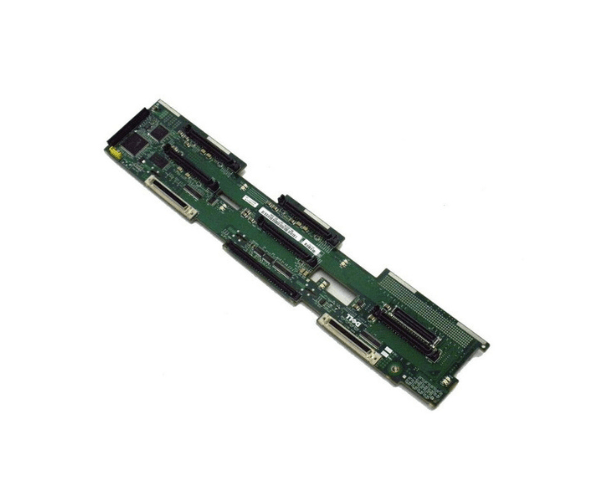
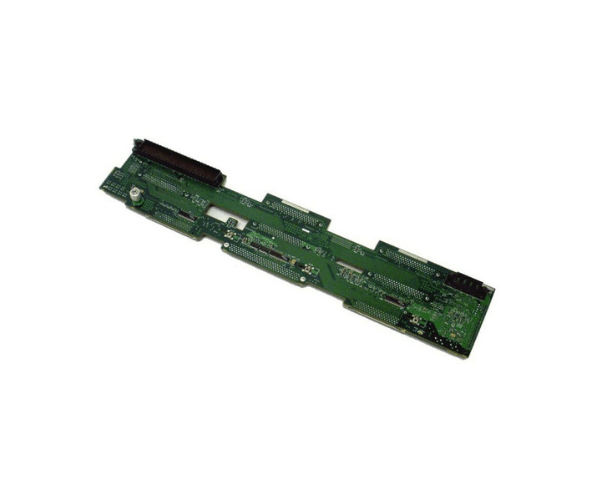
Introduction of Dell 0G724 u320 SCSI 1x5 Backplane for PowerEdge 2650
The Dell 0G724 u320 SCSI 1x5 Backplane enhances the storage capabilities of your Dell PowerEdge 2650 server. This high-quality backplane supports up to five 3.5-inch SCSI drives, providing a reliable and efficient storage solution. Its robust construction and user-friendly design make it an excellent choice for those looking to expand their server’s storage capacity with ease.
Why Choose the Dell 0G724 u320 SCSI 1x5 Backplane?
The Dell 0G724 u320 SCSI 1x5 Backplane offers significant advantages for your Dell PowerEdge 2650 server. It supports up to five 3.5-inch SCSI drives, allowing for substantial storage expansion. The backplane’s robust design ensures durability and reliability, while its integrated cooling system maintains optimal drive temperatures. Installation is straightforward, making it easy to upgrade your server’s storage without hassle. Choosing the Dell 0G724 means investing in a high-performance backplane that meets the demands of modern data storage.
User Experience
Users consistently report positive experiences with the Dell 0G724 u320 SCSI 1x5 Backplane. Its easy installation process is a notable highlight, allowing users to upgrade their servers quickly. The integrated cooling system effectively prevents overheating, contributing to stable and reliable server operation. Many users appreciate the backplane’s ability to handle high storage volumes efficiently, making it a valuable component in various server environments. Overall, the Dell 0G724 is praised for its performance, ease of use, and dependable build quality.
Key Features
- High Capacity: Supports up to five 3.5-inch SCSI drives.
- Compatibility: Designed specifically for Dell PowerEdge 2650.
- Durable Construction: Made from high-quality metal for long-lasting durability.
- Efficient Cooling: Features an integrated cooling system to manage drive temperatures.
- Easy Installation: Simple plug-and-play design for hassle-free upgrades.
- SCSI Connectivity: Provides reliable u320 SCSI drive support for fast data transfer.
- Hot-Swap Support: Allows drive replacement without server downtime.
- Versatile Use: Suitable for expanding storage in various server setups.
- Enhanced Data Management: Offers efficient and reliable storage solutions.
- Robust Performance: Ensures stable operation and performance in demanding environments.
Installation Steps
- Power Down: Turn off the server and disconnect it from the power source.
- Locate the Bay: Find the bay in the server where the Dell 0G724 Backplane will be installed.
- Insert Backplane: Place the backplane board into the designated bay and secure it with screws.
- Connect Cables: Attach the u320 SCSI data and power cables to the backplane board.
- Power On: Reconnect the server to the power source and power it on.
- Install Drives: Insert the SCSI hard drives into the backplane board.
- Verify Recognition: Check that the drives are recognized by the server’s BIOS or operating system.
- Configure Drives: Set up the drives according to your storage needs.
Where It Can Be Used?
The
Dell 0G724 u320 SCSI 1x5
Backplane is suitable for various applications requiring high-density storage solutions. It is ideal for data centers, businesses, and IT environments that need to expand server storage. Educational institutions and research facilities can use it to manage large volumes of data efficiently. The backplane is also beneficial in server farms where reliable and scalable storage is essential. Its robust design makes it a valuable addition to any server setup that demands increased storage capacity.