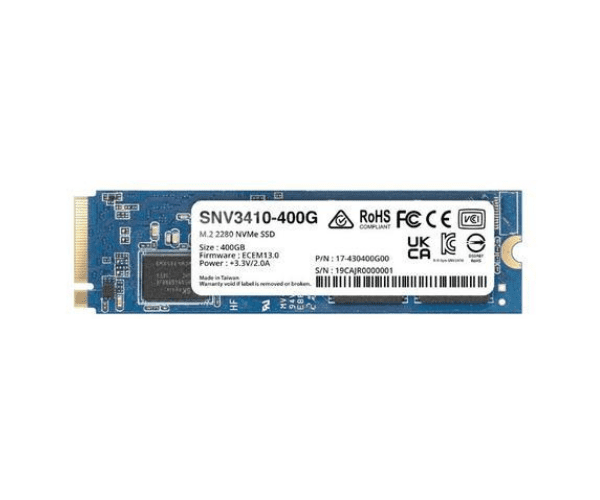
About the Synology SNV3410 400GB M.2 NVMe NAS SSD
The Synology SNV3410 400GB M.2 NVMe NAS SSD is designed to deliver top-notch performance and reliability for NAS environments. With high-speed data access and excellent endurance, it enhances storage efficiency for demanding workloads.
The Synology SNV3410 400GB M.2 NAS SSD offers exceptional performance tailored for NAS systems. With a capacity of 400GB and an NVMe PCIe 3.0 x4 interface, this SSD ensures rapid data access and transfer speeds, with read speeds up to 3,100 MB/s and write speeds up to 550 MB/s. The 500 TBW endurance rating guarantees reliability and longevity, making it perfect for high-demand environments. Designed for seamless integration, the Synology SNV3410 boosts system performance, enhances responsiveness, and ensures smooth operation of your NAS.
User Experience
Users appreciate the
Synology SNV3410 400GB M.2 NAS SSD for its impressive speed and reliability. It is known for significantly improving NAS performance and handling intensive tasks with ease.
Installation Steps
- Power Down the NAS: Ensure the NAS system is turned off.
- Open the NAS Case: Access the internal components by removing the case panel.
- Locate the M.2 Slot: Identify the available M.2 slot on the motherboard.
- Install the SSD: Insert the Synology SNV3410 SSD into the M.2 slot and secure it with a screw.
- Close the Case: Reattach the NAS case and power it on.