The
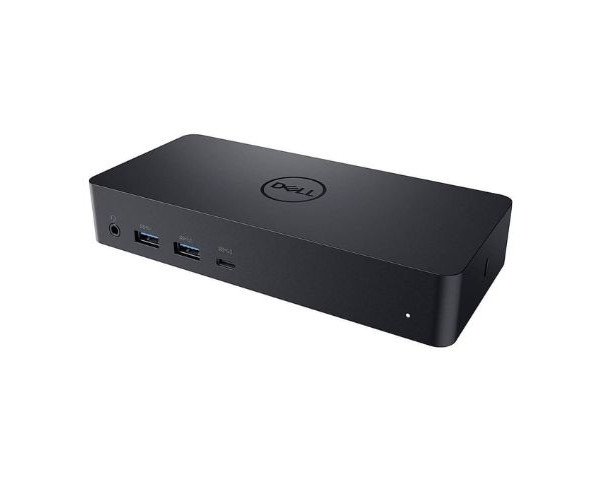
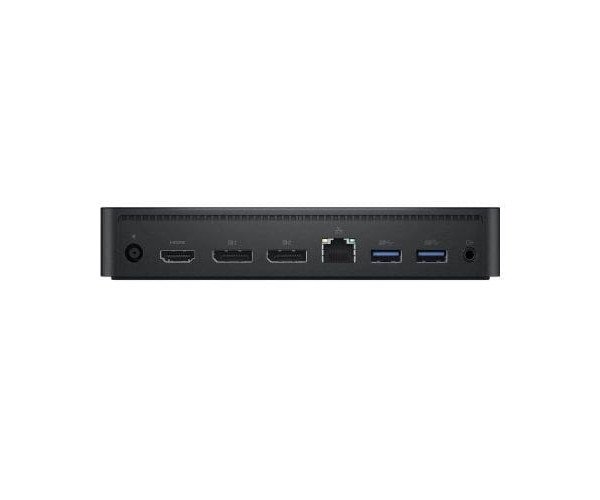
Dell WD22TB4 Thunderbolt Docking Station (WD22TB4) connects to your computer via a male Thunderbolt 4 connector. Once connected, you'll have access to two Thunderbolt 4 ports, one USB 3.2 Gen 2 Type-C port, one USB Type-C multifunction DisplayPort port, three USB 3.2 Gen 1 Type-A ports, two DisplayPort 1.4, one HDMI 2.0, and one Gigabit Ethernet RJ45 LAN port. The dock can deliver up to 130W of power to Dell systems and 90W to non-Dell systems. The modular design allows for easy module swapping and upgrades.
Features
- Express Charge Technology: Dell Express Charge allows you to charge up to 80% in one hour or up to 35% in 20 minutes, making it an efficient way to manage the workday.
- Future-made design: Swappable modules allow to easily upgrade to meet the needs of IT environment.
- Multiply productivity: Connect displays and peripherals to system with a single cable for ultimate productivity.
- Work without disruption: Firmware updates can be completed in five to seven minutes without needing to reboot the system.
- Easier for IT: Dell Client Command Suite and Microsoft System Center Configuration Manager offers a smoother firmware update experience.
- Easier upgrades: Modularity allows for simple field replacement of the power cable or connectivity module.
- Better support: Inventory management got easier since each has its own service tag, allowing IT to push firmware updates only to certain dock.
- Secure manageability: Keeps information safe with MAC Address pass-thru and remote port-disablement.