The
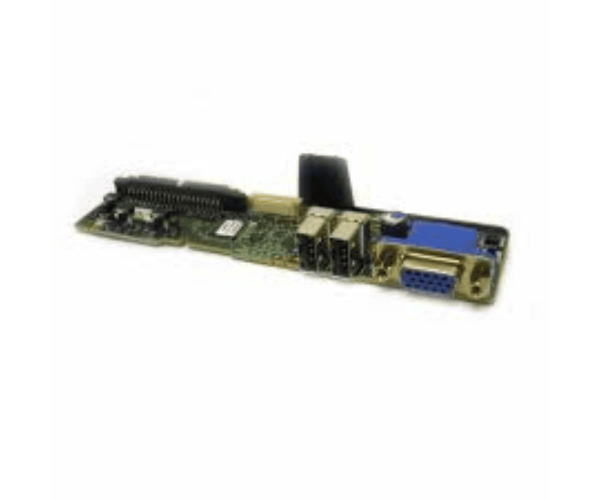
Dell JU317 I/O Control Panel is a vital component designed for Dell PowerEdge servers, enhancing user control and management. This panel offers easy access to essential server functions, streamlining operations and ensuring efficient performance. Its user-friendly interface makes it a must-have for IT professionals.
Dell JU317 I/O Control Panel in BD
The
Dell JU317 I/O Control Panel is available in Bangladesh, catering to local customers seeking reliable server management solutions. This product provides essential functionalities that enhance server performance in various IT environments.
Why Choose the Dell JU317 I/O Control Panel?
Choosing the
Dell Control Panel ensures optimal control and management of your Dell PowerEdge servers. Its compatibility and robust design make it a perfect addition to your infrastructure, allowing for seamless integration. Moreover, the intuitive interface provides quick access to vital functions, facilitating efficient server management and monitoring.
User Experience
Users value the
Dell JU317 Control Panel for its dependable performance and user-friendly design. The installation process is straightforward, allowing users to set it up quickly. Once in place, the panel provides real-time feedback on server status, which helps in proactively addressing potential issues. This level of control significantly enhances the overall server experience.
Detailed Breakdown of Features
- User-Friendly Interface: Designed for easy navigation, making it simple for users to access control functions.
- Multiple Connectivity Options: Offers various ports, including USB and serial connections, ensuring compatibility with different devices.
- Status Indicator LEDs: Visual cues for server activity, helping users quickly identify the operational status.
- Compact Design: Fits easily into rack systems, saving valuable space in server rooms.
- Efficient Power Management: Allows users to power on/off and reset servers conveniently.
- Robust Compatibility: Specifically designed for Dell PowerEdge servers, ensuring reliable performance.
- Real-Time Monitoring: Provides immediate updates on server health, allowing for quick response to issues.
- Durable Construction: Built from high-quality materials, ensuring long-lasting reliability in demanding environments.
- Temperature Resilience: Designed to operate effectively in a wide range of temperatures.
- Easy Installation: The straightforward installation process helps users set up the panel with minimal effort.
Installation Steps for Dell JU317 Control Panel
- Prepare the Server: Ensure the server is powered off and unplugged.
- Mount the Control Panel: Align the panel with the designated slot in the server rack.
- Secure the Connections: Connect the necessary cables to the corresponding ports on the panel.
- Power On the Server: Reconnect the power supply and turn on the server.
- Test the Control Panel: Verify functionality by accessing the interface and checking for indicator lights.
Where Dell JU317 Control Panel Can Be Used?
The
Dell JU317 Control Panel is ideal for various IT settings, including:
- Data Centers: Streamlining server management for enhanced operational efficiency.
- Server Rooms: Providing immediate access to control functions for quick troubleshooting.
- Remote Management: Enabling easy server access in distributed environments.