The
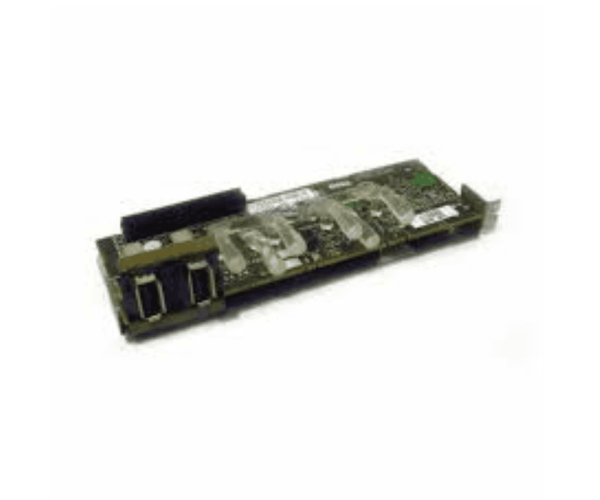
Dell GP461 USB Control Panel is an essential component for managing your Dell PowerEdge servers. This control panel offers easy access to USB ports, ensuring efficient data transfer and device connectivity. Designed for reliability, it enhances the operational efficiency of your IT environment.
Dell GP461 USB Control Panel in BD
The
Dell GP461 USB Control Panel is readily available in Bangladesh, providing local users easy access to high-quality server management tools. This ensures that businesses and IT professionals can enhance their server operations efficiently, without facing challenges in sourcing essential components for their Dell PowerEdge systems.
Why Choose the Dell GP461 USB Control Panel?
Choosing the
Dell GP461 Panel ensures you have a reliable tool for seamless USB connectivity in your server setup. Its compatibility with Dell PowerEdge servers guarantees smooth integration into your existing infrastructure, enhancing your operational capabilities. With its user-friendly design, you can easily manage your devices and data flow effectively.
User Experience
Customers have found the Dell USB Control Panel to be a valuable addition to their server systems. Users report that it simplifies device connectivity, allowing for quick and efficient data transfer. The reliable performance of the Dell GP461 ensures that IT professionals can manage their devices with confidence.
Detailed Breakdown of Features
- USB Connectivity: Offers multiple USB 2.0 ports for connecting various devices easily.
- Compact Design: Space-saving design that fits perfectly into server racks.
- User-Friendly Interface: Simplifies the process of connecting and disconnecting devices.
- Reliable Functionality: Ensures consistent and trustworthy USB connections for your devices.
- Easy Installation: Quick and straightforward installation process.
- Versatile Use: Compatible with a variety of Dell PowerEdge servers.
- Low Power Consumption: Efficient power use helps reduce operational costs.
- Durability: Constructed from premium materials to guarantee lasting performance over time.
- Local Availability: Easily sourced in Bangladesh for convenience.
- Enhanced Data Transfer: Supports effective management and speedy transfer of data.
Installation Steps for Dell GP461 Control Panel
- Prepare Your Server: Ensure the server is powered down and unplugged.
- Position the Control Panel: Locate the appropriate slot in the server for the Dell USB Control Panel.
- Connect the USB Ports: Insert the USB connectors into the designated slots.
- Secure the Control Panel: Fasten the panel in place to ensure stability.
- Power On the Server: Plug the server back in and power it on to complete the installation.
Where Dell GP461 Control Panel Can Be Used?
The
Dell GP461 Control Panel is perfect for use in data centers, server rooms, and IT environments where Dell PowerEdge servers are deployed. Its functionality is essential for organizations that prioritize seamless device connectivity and data transfer efficiency.