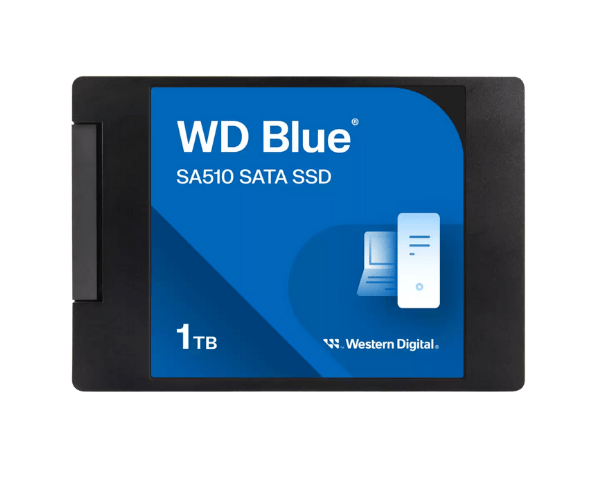
About The Western Digital WDS100T3B0A-00AXR0 1TB SA510 SATA SSD
The Western Digital WDS100T3B0A-00AXR0 1TB SA510 SATA SSD provides high-speed and high-capacity storage in 2.5-inch form factor. Leveraging reliable 3D NAND technology, the SSD improves system responsiveness with fast boot time, seamless multitasking, and rapid file handling—Perfect for everyday computing, business computing, and server upgrading.
Western Digital WDS100T3B0A-00AXR0 1TB SA510 SATA SSD in BD
The Western Digital WDS100T3B0A-00AXR0 1TB SATA SSD is available in the biggest electronics stores and online computer shops in Bangladesh. It is quite affordable and offers great value to users who require fast, secure, and high-capacity storage drives for their computers or servers.
User Experience of Western Digital WDS100T3B0A-00AXR0 SA510 SATA SSD
The Western Digital 1TB SA510 SATA SSD has been reviewed by customers as fast and responsive. From booting the computer, data transfer, to program launching, this SSD delivers stable and smooth speed. It is power-efficient, quiet, and emits very little heat, so it is very much appropriate for general use.
Why Choose The Western Digital WDS100T3B0A-00AXR0 SA510 SATA SSD?
The Western Digital WDS100T3B0A-00AXR0 1TB SATA SSD is a great choice for anyone looking for a high-capacity, performance-oriented upgrade. It offers very high read and write speeds and is ideal for professionals, home users, and businesses. The SSD is from Western Digital—one of the most reliable storage firms.
Key Features
-
1TB capacity to hold large files and applications.
-
High read speed of up to 560MB/s to enable fast data access.
-
Smooth write speeds of a maximum 520MB/s for optimal performance.
-
3D NAND technology for dependability and long lifespan.
-
2.5-inch slim form factor for compatibility with any system.
-
Shock-resistant design for data protection.
-
Low power draw for efficient system performance.
How To Maintain Western Digital WDS100T3B0A-00AXR0 1TB SA510 SATA SSD?
Keep your Western Digital WDS100T3B0A-00AXR0 SA510 SATA SSD in top shape for long-term performance:
- Avoid damage using a quality power supply or UPS.
- Update SSD firmware to latest version via WD Dashboard.
- Monitor drive health from time to time using SSD utilities.
- Do not leave unused space on the SSD for best performance.
- Do not use SSD with high write usage for best lifespan.
Installation Steps
- Power down system and disconnect power.
- Open system case and locate the 2.5-inch SATA bay.
- Mount Western Digital 1TB SA510 SATA SSD into bay.
- Securely connect SATA data and power cables.
- Close the case and boot the system.
- Check BIOS to confirm the SSD is detected.
- Install an operating system or reformat the drive.
Where It Can Be Used?
- Server storage for fast and reliable access.
- Desktops for a more streamlined experience.
- Business systems that operate with large files.
- Office and school machines.
- Replacing older hard drives in workstations.
- Early-stage gaming consoles that require faster load times.