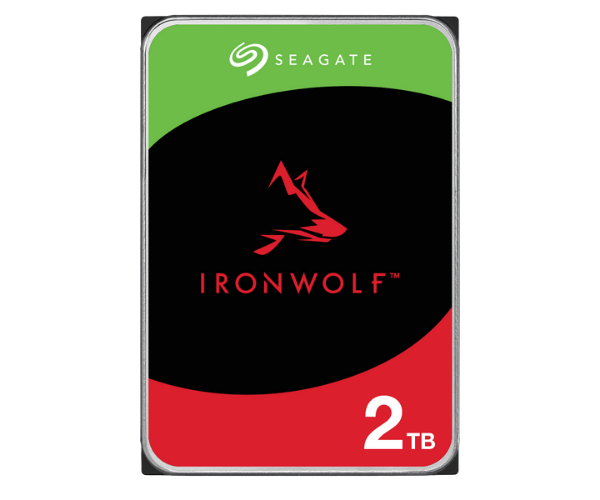
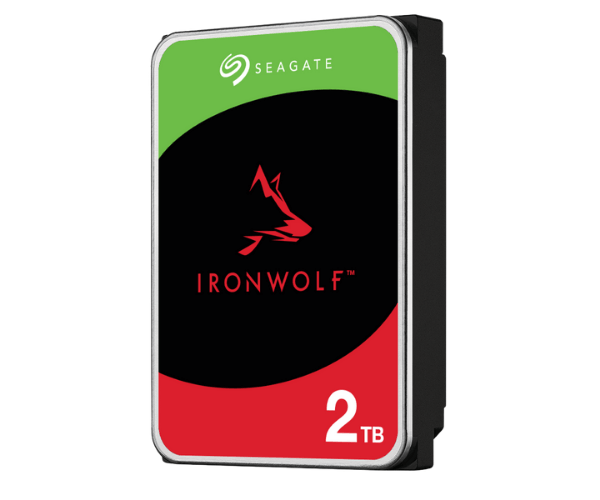
About of Seagate ST2000VN003 IronWolf 2 TB 3.5 Inch SATA NAS HDD
The Seagate ST2000VN003 IronWolf 2TB 3.5 Inch NAS HDD offers reliable storage for home and small office NAS systems. Built for 24/7 use, it provides seamless performance and data protection, ensuring high availability and durability.
Seagate ST2000VN003 IronWolf 2TB 3.5 Inch SATA NAS HDD in BD
Ideal for environments with network-attached storage (NAS), the Seagate ST2000VN003 IronWolf 2TB NAS HDD is created as an exemplary solution for performing intensive operations with extreme footing performance, long durability, and reliability. With a 256MB cache, a 5900 RPM spinning speed, and built-in features such as IronWolf Health Management, this will help optimize the reliability and longevity of NAS systems.
User Experience
If not the most praised Seagate ST2000VN003 IronWolf 2TB 3.5 Inch NAS Hard Drive e among everyone doing home office NAS setups, then it's definitely vying for that title. Reports say it runs as quietly as it does efficiently for a long time. Extremely durable yet even outfitted for very high workloads, setup is straightforward, speed is excellent for both file transfer and data storage. From IronWolf Health Management software, users get really insightful pieces of advice for monitoring drive health and performance over time. People know they can go ahead and access their data anytime, so it's perfect for those who need nonstop uptime for their storage systems.
Why Choose the Seagate ST2000VN003 IronWolf 2TB 3.5 Inch SATA NAS HDD?
This is a great option for users using
Seagate ST2000VN003 2TB NAS HDD systems at home who want reliable, efficient storage with their HDD. It can hold up to 2TB, which can easily fit the data needs of most people, and at high performance under most workloads. This drive is designed to operate well under any 24-7 model and make it functionally quieter in a richer environment. AgileArray is a technology for reliability and performance optimization, making this the ultimate gizmo for every little business owner, home office user, and network-storage enthusiast. More importantly, it was designed to put the mind at ease by giving the end-user higher data protection, consistent performance, and much quicker access to data.
Installation Step
- Power off the NAS: Make sure your NAS is turned off before inserting the drive.
- Install the HDD: Move the Seagate ST2000VN003 IronWolf 2TB NAS HDD in the drive bay of your NAS system.
- Connect the Data Cable: Plug into the SATA data cable to the HDD and to the motherboard of your NAS.
- Now Power On the NAS: Time to put your NAS back to work and let it detect the new hard drive.
- Initialize the Drive: Go ahead and format and initialize the new hard drive from your NAS settings for utilization.
- Configure RAID (Optional): If using RAID setup, follow the instructions from your NAS system to configure that drive.