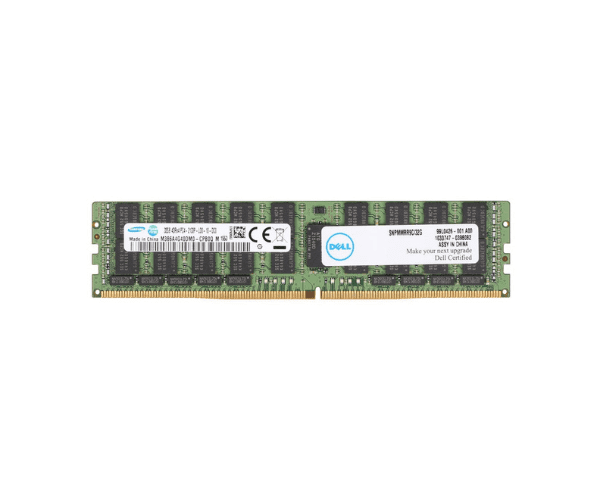
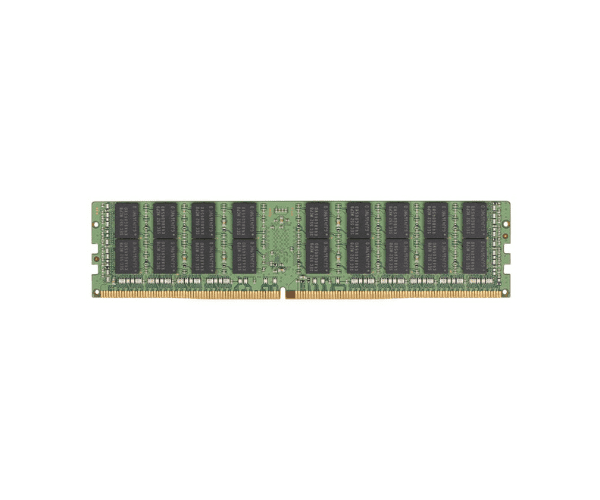
Introduction of Dell 32GB (1x32GB) PC3-14900L 4Rx4 Server Memory
Upgrade your server's memory capacity with the
Dell 32GB (1x32GB) PC3-14900L 4Rx4 Server Memory. This high-density RAM module enhances server performance, ensuring smooth operation for intensive computing tasks.
Detailed Breakdown of Features
The
Dell 32GB Server Memory features a DDR3L technology with a capacity of 32GB in a single module configuration. It operates at a speed suitable for high-performance servers, delivering reliable data handling and improved system responsiveness.
User Experience
Users benefit from enhanced server efficiency and reduced latency with the
Dell 32GB Server Memory. It supports multitasking and heavy workloads seamlessly, ensuring stable performance even under demanding conditions.
Why Choose the Dell 32GB (1x32GB) PC3-14900L 4Rx4 Server Memory?
Choose the
Dell 32GB Server Memory for its superior capacity and reliability. Ideal for virtualization, database management, and cloud computing applications, this memory module ensures optimal server performance and data integrity.
Key Features
| Feature |
Description |
| Capacity |
32GB |
| Technology |
DDR3L |
| Configuration |
1x32GB |
| Speed |
PC3-14900L |
| Error Checking |
ECC |
| Voltage |
Low Voltage |
| Form Factor |
DIMM |
Installation Steps
- Power down the server and disconnect all power cables.
- Identify an available DDR3 memory slot on the server motherboard.
- Align the notch on the Dell 32GB Server Memory with the key in the slot.
- Insert the memory module into the slot at a 45-degree angle.
- Press down firmly until the module clicks into place.
- Reconnect the power cables and power on the server.
- Verify the new memory is recognized in the server's BIOS.
Where It Can Be Used?
The
Dell 32GB Server Memory is suitable for enterprise-grade servers deployed in data centers, cloud environments, and virtualization platforms. It enhances server performance for handling complex computing tasks effectively.