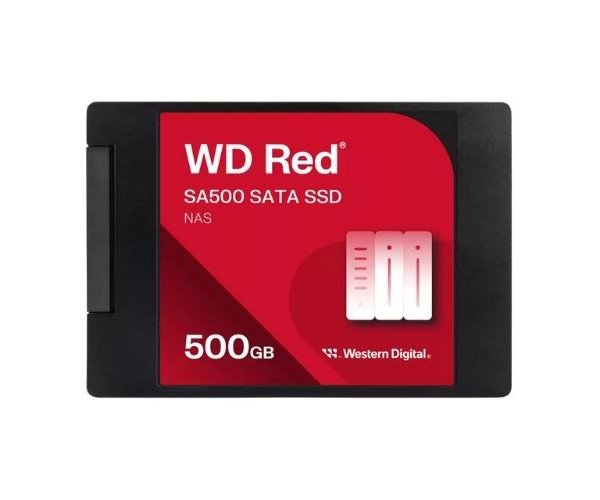
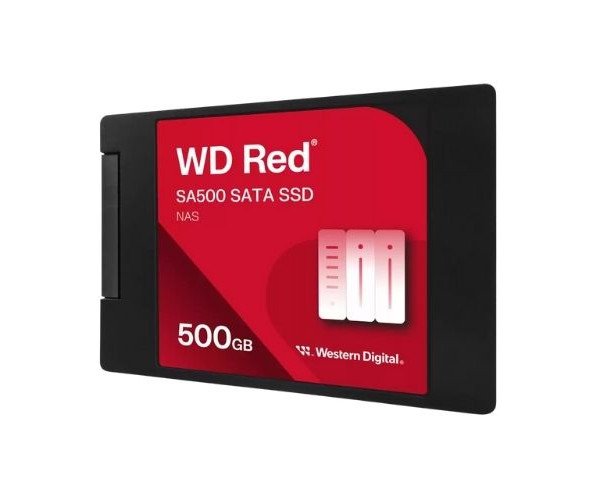
About the Western Digital Red WDS500G1R0A-68A4W0 SA500 500 GB SATA NAS SSD
The Western Digital Red WDS500G1R0A-68A4W0 SA500 500GB 2.5” SATA NAS SSD is built for high-performance NAS systems. It boosts your storage speed, improves reliability, and handles tough 24/7 workloads, making it perfect for home or small business environments.
Western Digital Red WDS500G1R0A-68A4W0 SA500 500GB 2.5” SATA NAS SSD in BD
The Western Digital Red WDS500G1R0A-68A4W0 SA500 500 GB 2.5” SATA SSD is a build specially designed for NAS systems. It is subjected to heavy workloads, running smoothly for years, while providing high data transfer rates. Reliable and powerful, this drive is an excellent option for high-performance NAS storage due to its long life.
User Experience
Users report that, after upgrading to the Western Digital Red WDS500G1R0A-68A4W0 SA500 500GB 2.5” SATA NAS SSD, file access and smooth running of NAS setups are enhanced. The system lag is eliminated while backup and streaming of files proceed, especially with many users connected to the NAS. Furthermore, its quiet and cool operation adds to the attractiveness of this HDD solution in an always-on system. The performance is consistent and reliable while dealing with home media files or business data. The system feels like getting back into a new life after the conversion to an SSD.
Why Choose the Western Digital Red WDS500G1R0A-68A4W0 SA500 500 GB 2.5” SATA NAS SSD?
When you choose the
Western Digital Red WDS500G1R0A-68A4W0 SA500 500GB 2.5” SATA NAS SSD, you're betting on stability, speed, and reliability on your NAS. One of the most trusted names in storage produces this drive, which has been tuned for 24/7 workloads in the NAS. Compared with normal SSDs, it provides increased speed, better power efficiency, and longer endurance. Whether for a small business use or home use, this SSD enables your NAS to reach optimal performance. The 500GB is a good capacity for critical files, their backups, and streaming.
Steps for Installation
- Power Off NAS: Switch off your NAS device and unplug it from the wall.
- Open Drive Bay: Access there storage bay where you’ll be installing the SSD.
- Mount the SSD: Insert the Western Digital Red WDS500G1R0A-68A4W0 SA500 500 GB 2.5” SATA NAS SSD in the 2.5-inch slot.
- Connect Interface: Firmly attach the SATA data and power cables.
- Secure the Drive: Secure the drive either through screws or latches, depending upon your NAS model.
- Close and Power On: Close the bay, power up your NAS, and access settings.
- Format and Configure: Format the drive from your NAS interface and make it ready for use.