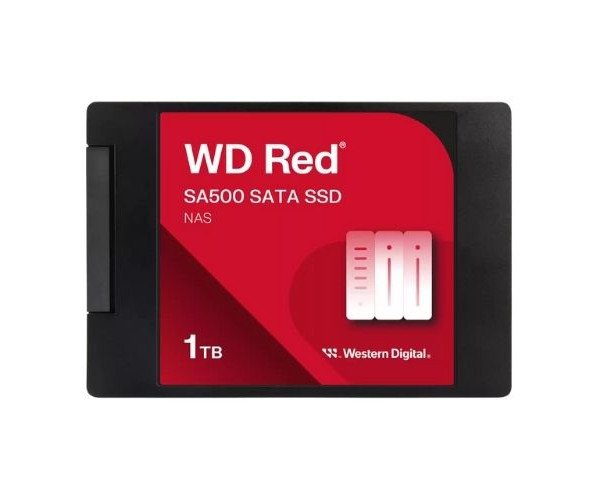
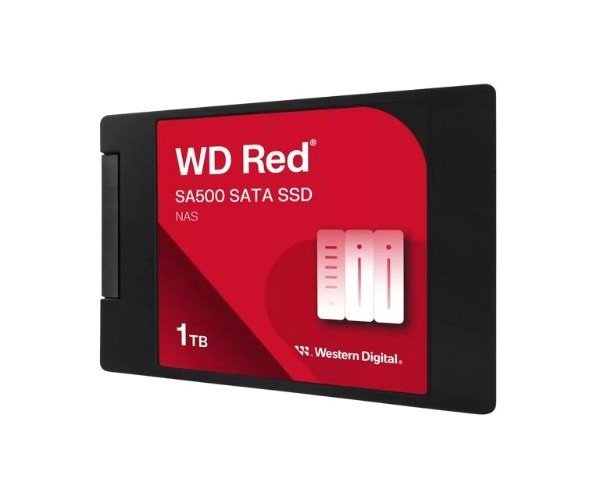
About the Western Digital Red WDS100T1R0A-68A4W0 SA500 1 TB SATA NAS SSD
The Western Digital Red WDS100T1R0A-68A4W0 SA500 1TB 2.5” SATA NAS SSD offers solid speed, strong performance, and reliable storage built especially for NAS systems. It’s ideal for heavy workloads, fast file access, and keeping data safe every day.
Western Digital Red WDS100T1R0A-68A4W0 SA500 1TB 2.5” SATA NAS SSD in BD
This Western Digital Red WDS100T1R0A-68A4W0 SA500 1TB 2.5” SATA NAS SSDs is a winning option for Network Attached Storage purposes. It is built upon the best 3D NAND and is characterized by high performance with a sustained smooth data flow for households and small office environments working with heavy data-loads and accessing data throughout the day.
User Experience
This Western Digital Red WDS100T1R0A-68A4W0 SA500 1 TB 2.5" SATA NAS SSD delivers a smooth and fast file transfer experience. The NAS systems run cool, quiet, and fast. Users instantly feel the difference most whenever they back up files, stream videos, or work on large documents. Solid read/write speeds keep everything responsive. The SSD performance is strong and stable under pressure, whether editing media files or accessing cloud storage. Users adore its low energy consumption and low generated heat; it just works for hours and hours without throttling and crashing-ideal for nonstop NAS work.
Why Choose the Western Digital Red WDS100T1R0A-68A4W0 SA500 1TB 2.5” SATA NAS SSD?
Purchasing the
Western Digital Red WDS100T1R0A-68A4W0 SA500 1TB 2.5" SATA NAS SSD means you also get performance, speed, and reliability that are meant to last. This one is specifically built for NAS, which means it handles always-on tasks even better than regular SSDs. It allows you to multitask, remotely access files, and stream media without interruptions. With endurance rated for 600 TBW and MTBF of 2 million hours, it is the choice for small business servers or personal cloud storage with true reliability. If you want a NAS that runs faster, cooler, and longer-this is the product to choose.
Installation Steps
- Turn Non-Configurable Off-Never install any drive on a NAS that is powered on.
- Open The Case-Make sure to dismount the NAS by applying careful pressure.
- Mount the SSD-Slide the WD Red WDS100T1R0A-68A4W0 SA500 1TB SSD into a 2.5" bay.
- Connect the SATA cable. Make a secure connection with the cables for SATA data and power.
- Close the Case-Put your NAS together as before and tighten the screws.
- Power-Up the Device-Bring the NAS online and access the management interface.
- Format & Configure-Format your SSD and assign it in your NAS setup.