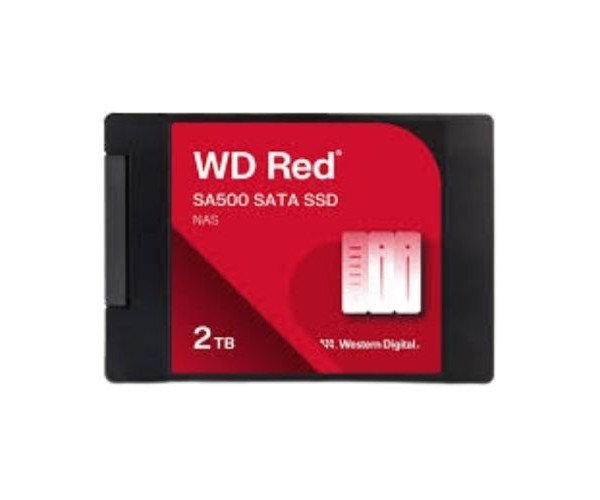
About of Western Digital Red WDS200T2R0A-68CKB0 SA500 2 TB 2.5” SATA NAS SSD
The Western Digital Red WDS200T2R0A-68CKB0 SA500 2TB 2.5” SATA NAS SSD is built for NAS systems. It boosts performance with fast data access, improves multitasking, and is designed for 24/7 environments, giving users reliable, long-term storage support.
Western Digital Red WDS200T2R0A-68CKB0 SA500 2TB 2.5” SATA NAS SSD in BD
The Western Digital Red WDS200T2R0A-68CKB0 SA500 2TB 2.5" SATA NAS SSDs are designed specifically for those who go in for a NAS. Withstanding heavy read and write operations, these SSDs are ideally fit for small offices and home networks. They ensure seamless file access, data backups, and media streaming 24/7 without a hitch.
User Experience
The Western Digital Red WDS200T2R0A-68CKB0 SA500 2TB 2.5" SATA NAS SSD comes in as a definitive upgrade to any NAS setup. It loads the files swiftly, multitasking from day one, and it hardly slows down even during tedious data transfers. With minimal noise and low power draw, this place is right in a silent environment. It facilitates the smooth working of high-resolution video storage and backup of work files, or running an app from NAS. Speed and stability are two qualities that most users swear by, and these appear to be most appreciated in RAID settings, either in a small business or home office environments.
Why Choose the Western Digital Red WDS200T2R0A-68CKB0 SA500 2 TB 2.5" SATA NAS SSD?
Choosing the
Western Digital Red WDS200T2R0A-68CKB0 2TB 2.5" SATA NAS SSD means performance and reliability. It is manufactured by widely known brands of data storage, Western Digital, and designed specifically for NAS. Unlike other SSDs, this one can stand 24/7 workloads, favoring data access simultaneously between many users. The use of 3D NAND contributes to better endurance, and with such great TBW, it is in for writing a lot of data without eating much away. If you wish to see your NAS fast and reliable as the years go by, this is your most intelligent choice.
Installation Steps
- Power off your NAS system.
- Open the NAS drive bay or case.
- Slide in the Western Digital Red SA500 SSD into a 2.5" drive bay.
- Secure it with screws if needed.
- Connect the SATA data and power cables.
- Close the drive bay or case.
- Power on your NAS system.
- Go into the NAS control panel to format and configure the SSD.