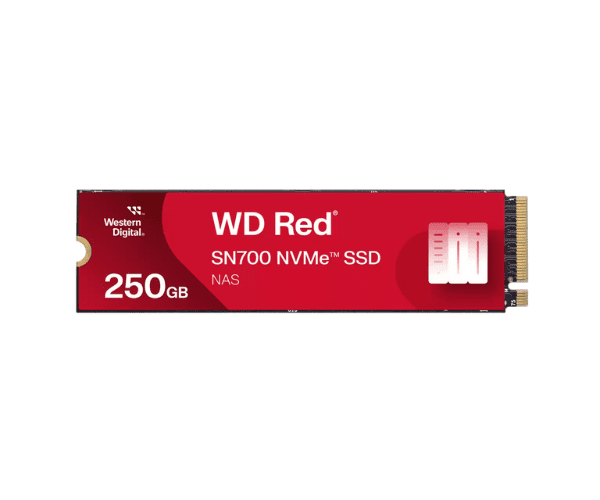
About the WD Red SN700 250GB NVMe NAS SSD
The WD Red SN700 250GB NVMe NAS SSD is designed to provide high performance and reliability for NAS environments. It offers fast data access speeds and excellent endurance for demanding storage tasks.
The WD Red SN700 250GB NVMe NAS SSD is built to enhance the performance of NAS systems. With a 250GB capacity and NVMe PCIe 3.0 x4 interface, it provides read speeds of up to 3,430 MB/s and write speeds of up to 1,600 MB/s. The SSD is designed to handle heavy workloads with an endurance rating of 500 TBW, making it a reliable choice for long-term use. The WD Red SN700 improves overall NAS performance by offering faster data access and robust storage solutions.
User Experience
Users appreciate the
Western Digital Red SN700 250GB SSD for its impressive speed and reliable performance. It significantly boosts NAS efficiency, ensuring smooth and quick data processing even during intensive tasks.
Installation Steps
- Power Down the NAS: Ensure the NAS system is turned off.
- Open the NAS Case: Remove the case panel to access internal components.
- Locate the M.2 Slot: Find the available M.2 slot on the motherboard.
- Install the SSD: Insert the WD Red SN700 250GB SSD into the M.2 slot and secure it with a screw.
- Close the Case: Reattach the NAS case and power it on.