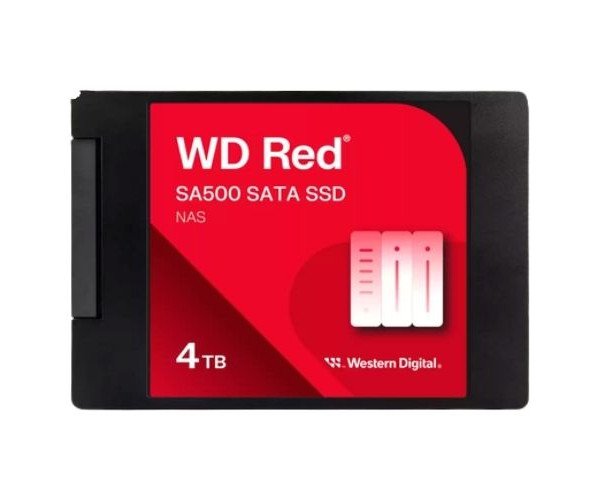
About the Western Digital Red WDS400T2R0A-68CKB0 SA500 4 TB 2.5” SATA NAS SSD
The Western Digital Red WDS400T2R0A-68CKB0 SA500 4TB 2.5” SATA NAS SSD is designed for NAS systems. It delivers fast, reliable, and energy-efficient performance, making it perfect for 24/7 environments with high data demands and constant workloads.
Western Digital Red WDS400T2R0A-68CKB0 SA500 4TB 2.5” SATA NAS SSD in BD
An SSD by Western Digital designated as the Red WDS400T2R0A-68CKB0 SA500 is a SATA-based NAS SSD with a massive storage of 4 TB attached to a 2.5-inch drive. Specifically equipped to keep running at top speed, this SSD is intended for top-notch performance for NAS systems.
User Experience
Users value the Western Digital Red WDS400T2R0A-68CKB0 SA500 4TB for being extremely quiet, having short boot times, and providing very high reliability. These attributes are most valued in an environment where there are many users sharing the NAS, the system speed, durability, file transfer rates, and overall noise become increasingly important. Systems slow much less when backing up and streaming. Plug and play, it uses low power and does well with existing setups. Great for anything, it stands out as an impressive upgrade, whether for media streaming or data security.
Why Choose the Western Digital Red WDS400T2R0A-68CKB0 SA500 4 TB 2.5” SATA NAS SSD So Appealing?
Building one NAS or upgrading an existing one? Then, one smart investment is the
Western Digital Red WDS400T2R0A-68CKB0 SA500 4 TB 2.5” SATA NAS SSD. Truly, this SSD was designed for NAS installations rather than for general computing uses. It supports greater loading and faster file access - perfect for that multi-user environment and any 24/7 applications. The 4TB capacity provides huge spaces with the endurance of an enterprise. Thus, it gives you not only performance but also value over time, making the Western Digital Red WDS400T2R0A-68CKB0 SA500 4TB 2.5'' SATA SSD one of the best SSDs for personal or small office NAS systems.
Installation Steps
- Power Down-NAS- You have to switch off the NAS and unplug the device.
- Open NAS Case- For your particular brand of NAS, access the drives bays.
- Mount SSD- Install the 4 TB 2.5” SATA NAS SSD into a 2.5” tray or adapter as required.
- Connect the Cables-SATA data and power.
- Secure in Bay- Screw in or latch tray into place.
- Power On NAS-Plug in and power on your NAS system.
- Initialize Drive-New SSD needs to be formatted and initialized by the NAS management software.