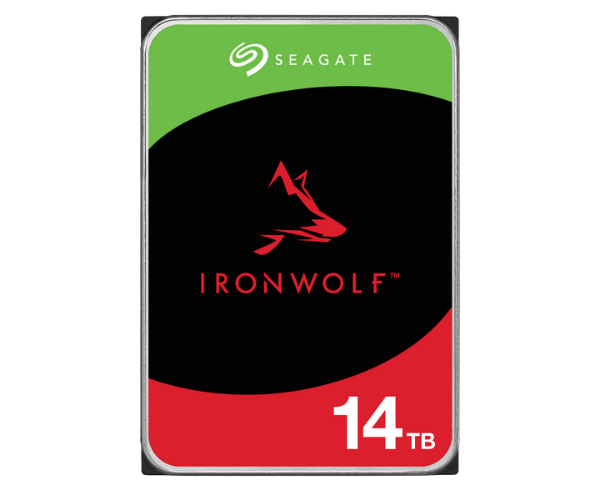
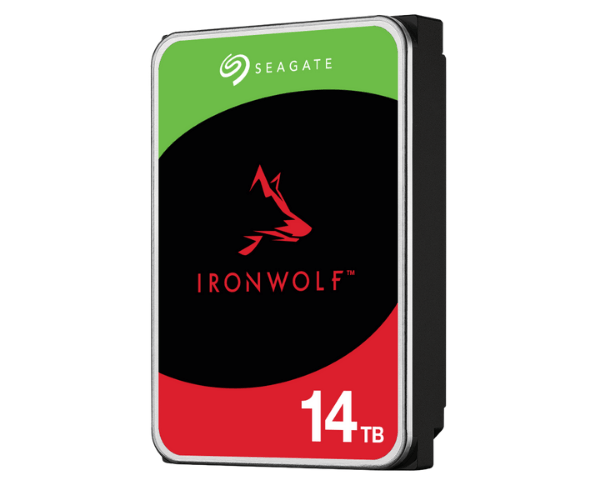
About of Seagate ST14000VN0008 IronWolf 14TB Enterprise NAS HDD
The Seagate ST14000VN0008 IronWolf 14 TB Enterprise NAS HDD is designed for high-performance, 24/7 NAS environments. With a massive 14 TB capacity, this HDD ensures reliability, speed, and storage scalability for your data-driven operations.
About of Seagate ST14000VN0008 IronWolf 14 TB Enterprise NAS HDD
The Seagate ST14000VN0008 IronWolf 14 TB Enterprise NAS HDD is a very impressive, reliable, and robust workhorse for the enterprise businesses that have very high storage requirements. It is well optimized for NAS environments and provides smooth, consistent performance besides having advanced features for demanding operations and long-term reliability.
User Experience
The Seagate ST14000VN0008 IronWolf 14TB Enterprise NAS HDD performance is incomparable, which makes it good for users looking for a dependable, high storage capacity. Users should anticipate smooth retrieval of data with high read/write speed and durability while multiple people access the drive. Because the large files, as well as backups, are handled without sacrificing performance all have the same 7200 RPM, small delay is expected in data processing. Additionally, the drive's 256MB cache further improves system responsiveness. For professional workstations, small business servers, and mega NAS setups, IronWolf HDD ensures little downtime and improved productivity for users.
Why Choose the Seagate ST14000VN0008 IronWolf 14 TB Enterprise NAS HDD?
The
Seagate ST14000VN0008 IronWolf 14 TB Enterprise NAS HDD provides unequaled storage capacity within reach and operational efficiency for you. This high 14 TB capacity is great for growing businesses, while the 7200 RPM gives rapid data access. This hard drive is made for 24/7 working operations since it is designed for those companies that demand performance to be consistent and durable for business use. It has a workload rate limit of 180 TB/year, which signifies that it can handle heavy workloads. Hence, it is designed for long-term convenience. Anti-vibration and advanced caching technology also provide better data stability; therefore, the
Seagate ST14000VN0008 IronWolf HDD may be the best option for enterprise-class platforms of NAS.
Installation Steps
- Prepare the NAS Device: Power down your NAS unit and make safe handling measures.
- Find Drive Bay: Open the NAS unit and find the corresponding drive bay for the Seagate ST14000VN0008 IronWolf HDD.
- Insert the Hard Drive: Gently insert the Seagate IronWolf 14 TB HDD piece into the drive bay, aligning it with the connectors.
- Secure the Drive: Secure the drive by using the screws provided to keep it firmly in place.
- Connect the Cables: Connect the relevant cables - SATA and power to the HDD.
- Power On the NAS: Turn on your NAS system and ensure the system recognizes the Seagate ST14000VN0008.
- Format the Drive: Format the drive using the NAS management interface before using it if required.
- Configure RAID (Optional): Configure them according to the instructions provided by your NAS system if using in a RAID configuration.
- Data Migration: Begin transferring your data to the Seagate ST14000VN0008 IronWolf HDD.