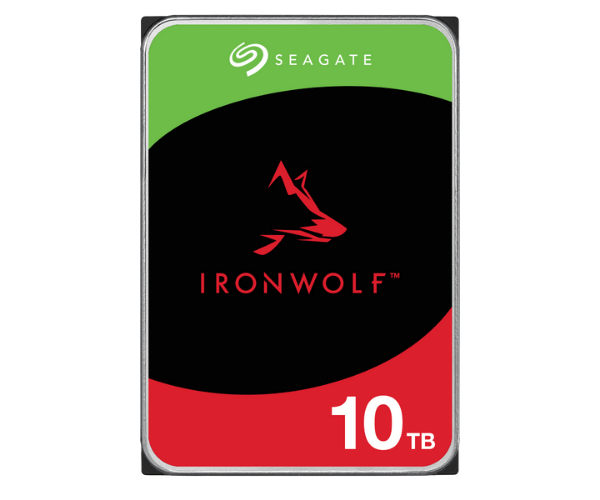
About the Seagate ST10000VN0008 IronWolf 10 TB 3.5 Inch SATA NAS HDD
The Seagate ST10000VN0008 IronWolf 10TB 3.5 Inch SATA NAS HDD offers high-capacity storage, designed specifically for NAS systems. With its 10TB of storage, this HDD delivers reliability, speed, and long-lasting performance for your data-intensive tasks.
Seagate ST10000VN0008 IronWolf 10TB 3.5 Inch SATA NAS HDD in BD
The Seagate ST10000VN0008 IronWolf 10TB 3.5 SATA NAS HDD is perfect for users requiring a big capacity and dependable performance need in their NAS systems. Its high-performing features give 10TB of storage capacity and a spin speed of 7200 rpm, the best choice for home and small business usage.
User Experience
The Seagate ST10000VN0008 IronWolf 10TB 3.5-Inch SATA NAS HDD is quite a boon for anyone that needs a dependable and high-performance storage device for their NAS. With its 10TB of storage, it leaves users with huge space for the most demanding applications and multimedia files. The 7200 rpm spin speed is appreciated by the users, allowing quick data access and transfer. It runs pretty gently, keeping noise level down while IronWolf Health Management by Seagate does its part to optimally keep the health and performance of the drive. Either way, be it for home use or part of a small-office setup, this HDD delivers a lot of value with very little downtime. For many applications requiring high-capacity reliable storage, this drive has extended durability, low vibration, and easy integration into NAS systems.
Why Choose the Seagate ST10000VN0008 IronWolf 10 TB SATA NAS HDD?
Because of the 10TB storage,
the Seagate ST10000VN0008 IronWolf 10TB 3.5 SATA NAS HDD becomes a choice for users who require great storage for backups, media files, or large-scale applications. This hard disk is designed to tolerate the rigors of a NAS environment. At the same time, the 7200 RPM ensures high data transfer rates, resulting in better system performance. IronWolf Health Management by Seagate works quietly behind the scenes to help guard your drive's performance throughout its entire lifetime. Also, its protection against vibrations keeps it working reliably in multi-drive scenarios: Choose the
Seagate ST10000VN0008 IronWolf HDD for its durability, high capacity, and trustworthy performance.
Installation Steps
- Prepare Your NAS System: Before installation, make sure your NAS is powered off and withdrawn from the power supply.
- Install the Drive into the NAS: Remove the cover of the NAS unit and fit the Seagate ST10000VN0008 IronWolf 10 TB SATA HDD into the empty drive slot.
- Secure the Drive: Secure the drive with screws or by using the NAS tool-less system (if vailable).
- Connect and Power Up: With the HDD secure, connect the cables and turn on your NAS
- Formatting and Initialization: Follow the onscreen wizard to format and initialize your drive using the NAS software interface.
- Set Up RAID (Optional): If applicable, set your NAS up for RAID configuration according to your requirements.
- Get Started: After all, the Seagate ST10000VN0008 IronWolf 10TB HDD is up and running, and you can start transferring your data after the setup is done.