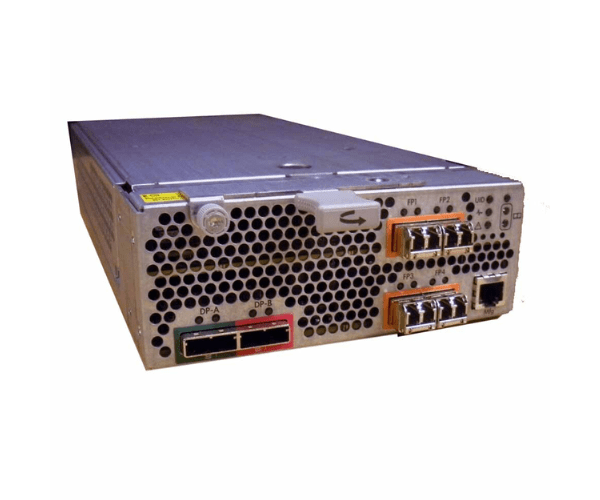
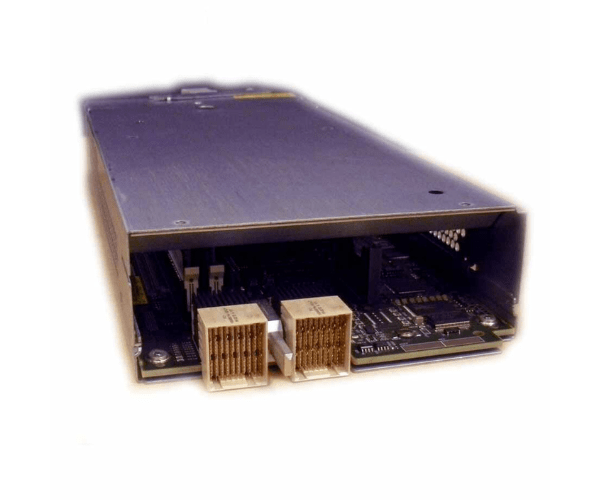
HPE 671989-001 P63X0 Fibre Channel Array Controller
The
HPE 671989-001 P63X0 Fibre Channel Array Controller is designed to deliver high-speed data management and reliable connectivity for your HPE storage arrays. This advanced Fibre Channel controller enhances performance and reliability, making it an essential component for efficient storage operations and seamless data access.
User Experience
The
HPE 671989-001 P63X0 FC Array Controller is praised for its outstanding performance and reliability. Users benefit from its high-speed data transfer capabilities and efficient cache management, which enhance overall system responsiveness. The controller’s easy installation and management interface streamline setup and operation, making it a favorite among IT professionals for improving storage performance.
Why Choose the HPE 671989-001 P63X0 Fibre Channel Array Controllers?
The
HPE 67198 9-001 P63X0 FC Array Controller stands out due to its high-speed 16 Gb/s Fibre Channel interface and robust performance features. Its 1 GB cache ensures swift data processing and reliable access. This controller supports multiple RAID levels, providing flexible data protection options. For enhanced storage performance and reliable connectivity, the
HPE 671989-001 P63X0 FC Array Controller is an excellent choice.
Installation Steps
- Prepare the Server: Power down the HPE server and disconnect it from the power source.
- Open the Server Chassis: Access the internal components according to the manufacturer’s instructions.
- Remove Existing Controller: If replacing, carefully remove the previous Fibre Channel controller.
- Install the New Controller: Unbox the HPE 671989-001 P63X0 FC Array Controller, align it with the slot, and securely insert it.
- Reconnect Cables: Attach any required Fibre Channel cables to the new controller.
- Close the Chassis: Reassemble the server chassis and reconnect the power.
- Power On and Configure: Restart the server and configure the controller through the management interface.