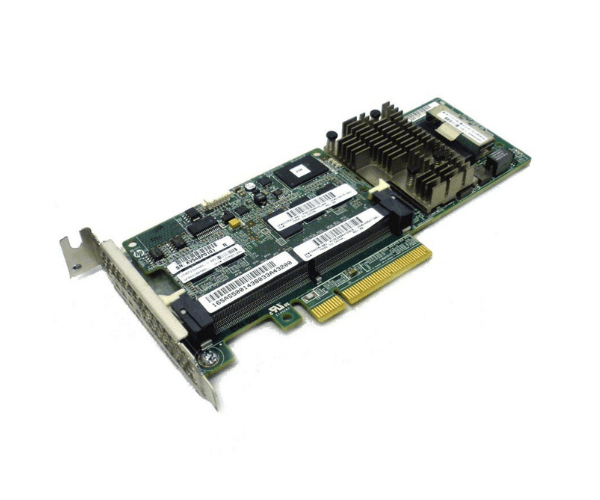
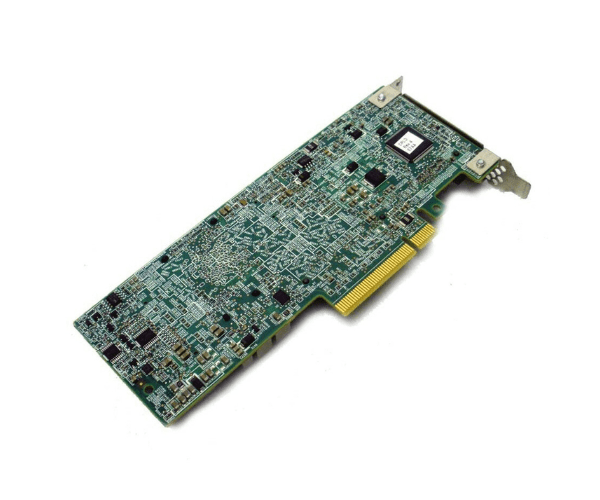
698529-B21 HP Smart Array P430 1-Port INT SAS Controller
The 698529-B21 HP Smart Array P430 1-Port INT SAS Controller is designed to deliver high-performance data management with its advanced 12Gb/s SAS interface. Ideal for enterprise environments, this controller ensures fast and reliable data access, providing optimal performance for your server’s storage needs.
User Experience
Users of the HP 69 8529-B21 Smart Array P430 1-Port INT SAS Controller consistently report high satisfaction with its performance and reliability. The 12Gb/s SAS interface offers rapid data transfer speeds, which is crucial for high-demand applications and data-intensive environments. The controller’s support for various RAID levels—including RAID 0, 1, 5, 6, 10, and 50—allows for flexible storage configurations to meet different data protection and performance needs. Installation is straightforward, and the controller integrates seamlessly with most server systems. Overall, the HP Smart Array P430 1-Port INT SAS Controller enhances data management capabilities, improves system performance, and ensures robust protection of critical information.
Why Choose the HP 698529-B21 Smart Array P430 1Port INT SAS Controller?
The 698529-B21
HP Smart Array P430 1Port INT SAS Controller is an excellent choice for businesses seeking a reliable and high-performance storage solution. Its 12Gb/s SAS interface guarantees fast data transfers, making it ideal for environments where quick data access is essential. The 698529-B21 HP Smart Array P430 1Port INT SAS Controller supports multiple RAID levels, including RAID 0, 1, 5, 6, 10, and 50, providing versatile options for data protection and performance optimization. Its single internal SAS port simplifies installation and configuration, while the controller’s durable design ensures long-term reliability. Choosing the HP 698529-B21 Smart Array P430 1-Port SAS Controller means investing in a solution that significantly enhances your server’s storage capabilities, supports demanding applications, and ensures the protection of critical data.
Installation Steps
- Power Down the Server: Ensure the server is completely powered off and unplugged from any power sources.
- Open the Server Case: Remove the server cover to access the internal PCIe slots.
- Insert the SAS Controllers: Locate an available PCIe x8 slot and carefully insert the 698 529-B21 HP Smart Array P430 1-Port INT Controller.
- Secure the Controller: Use screws or the server’s built-in mechanism to ensure the controller is firmly in place.
- Connect SAS Cables: Attach the internal SAS cables to the controller’s port, ensuring a secure connection.
- Close the Server Case: Replace and fasten the server cover.
- Power On the Server: Reconnect the power and turn on the server.
- Configure RAID: Access the server’s BIOS or RAID configuration utility to set up the desired RAID level and initialize the storage array.
- Verify Functionality: Check that the 698529-B21 HP Smart Array P430 1Port INT Controller is recognized by the system and operating correctly.