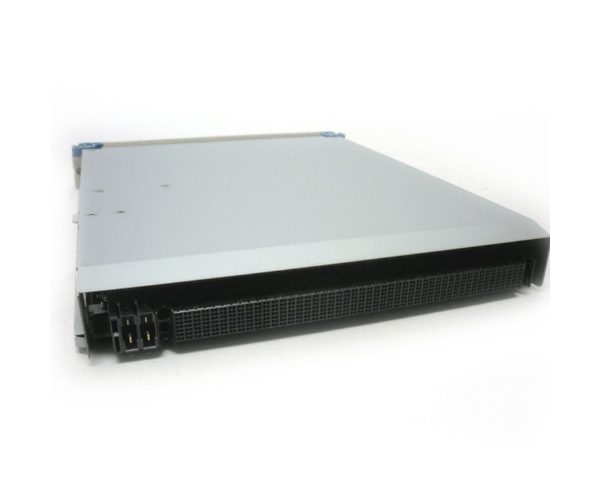
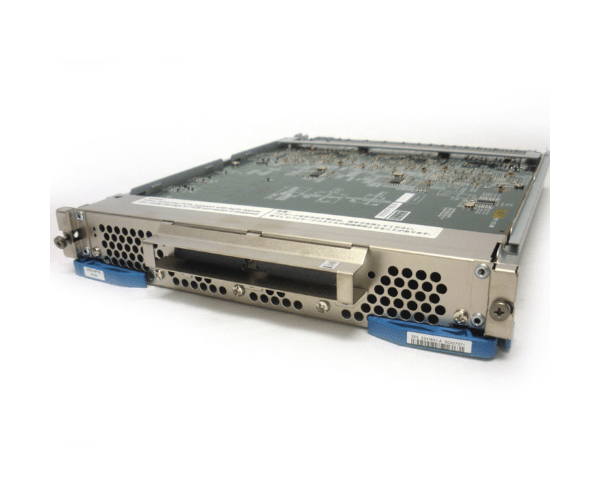
HP AV458A 5541851-A XP P9500 CHA/DKA/Cache Express Switch Adapter
The HP AV458A 5541851-A XP P9500 CHA/DKA/Cache Express Switch Adapter is designed to enhance the performance and connectivity of your HP storage system. This adapter ensures efficient data management and robust performance, making it a critical component for demanding data environments.
User Experience
Users of the HP AV458A Express Switch Adapter report improved system performance and reliability. The adapter’s ability to handle CHA, DKA, and cache functions efficiently ensures seamless data management and enhanced system operation. The straightforward installation process and compatibility with HP XP P9500 storage systems make it a user-friendly choice for IT professionals.
Why Choose the HP AV458A Express Switch Adapter?
The
HP AV458A Express Switch Adapter is essential for optimizing the performance of your HP XP P9500 storage system. This adapter provides efficient data handling and robust performance, making it a reliable choice for demanding data environments. With its easy integration and reliable functionality, the HP AV458A ensures your storage system operates at its best.
Key Features
- Efficient Data Management: The HP AV458A 5541851-A handles CHA, DKA, and cache functions effectively, ensuring seamless data management.
- Enhanced Performance: Optimizes the performance of HP XP P9500 storage systems, ensuring reliable operation.
- Compatibility: Specifically designed for use with HP XP P9500 storage systems.
- Robust Functionality: Ensures stable and efficient system performance in demanding data environments.
- Easy Integration: Straightforward installation process ensures quick and hassle-free setup.
Installation Steps
- Power Down the System: Ensure the HP XP P9500 system is completely powered off before installation.
- Open the System Chassis: Carefully open the system chassis to access the adapter slots.
- Insert the Adapter: Locate an available slot and insert the HP AV458A Express Switch Adapter.
- Secure the Adapter: Ensure the adapter is properly seated and secured in the slot.
- Close the Chassis: Reattach the system chassis cover and reconnect any cables that were previously disconnected.
- Power Up and Configure: Turn on the system and configure the adapter settings using the management software or operating system tools.
- Verify Installation: Check that the HP AV458A Express Switch Adapter and functioning correctly in the system.