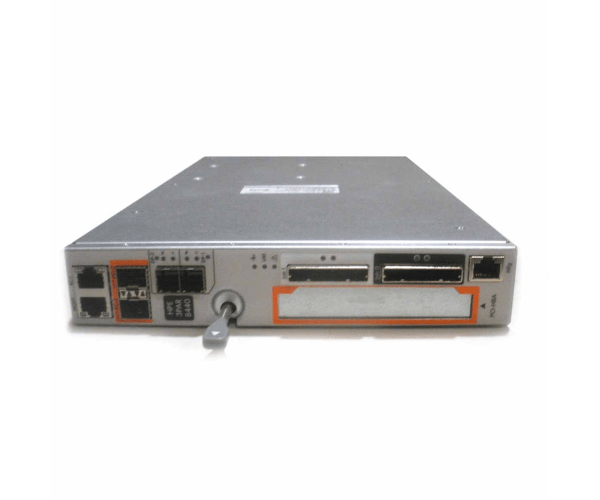
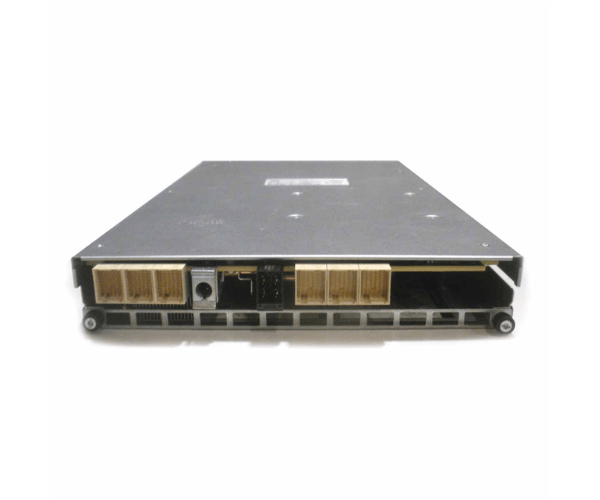
HP 792654-001 3Par StoreServ 8440 Controller
The
HP 792654-001 3Par StoreServ 8440 Controller is a high-performance storage controller designed to optimize the capabilities of HP's 3Par StoreServ 8440 storage array. It delivers exceptional speed and reliability, making it a top choice for managing critical business data with efficiency.
User Experience
The
HP 792654-001 3 Par StoreServ 8440 Controller is praised for its robust performance and seamless integration with HP 3 Par StoreServ 8440 arrays. Users benefit from its high-speed data processing and reliable operation, which enhances the performance of their storage systems and supports demanding applications efficiently.
Why Choose the HP 792654-001 3 Par StoreServ 8440 Controller?
The
HP 792654-001 3 Par StoreServ 8440 Controller stands out due to its high-speed data handling and dual-controller setup, ensuring optimal performance and redundancy. It is an ideal choice for businesses looking to maximize the efficiency of their HP 3Par StoreServ 8440 storage array, providing a dependable solution for managing large volumes of critical data.
Installation Steps
- Power Down: Turn off your HP 3Par StoreServ 8440 storage array and disconnect it from the power source.
- Access the Controller Slot: Open the storage array chassis according to the manufacturer's instructions.
- Remove Existing Controller: If necessary, remove the old controller from its slot.
- Install New Controller: Unpack the HP 792 654-001 3Par StoreServ 8440 Controller, align it with the slot, and insert it firmly.
- Reconnect Cables: Attach any necessary cables to the new controller.
- Close the Chassis: Secure the chassis and reconnect the power.
- Power On: Restart the storage array and check the installation through the management interface.