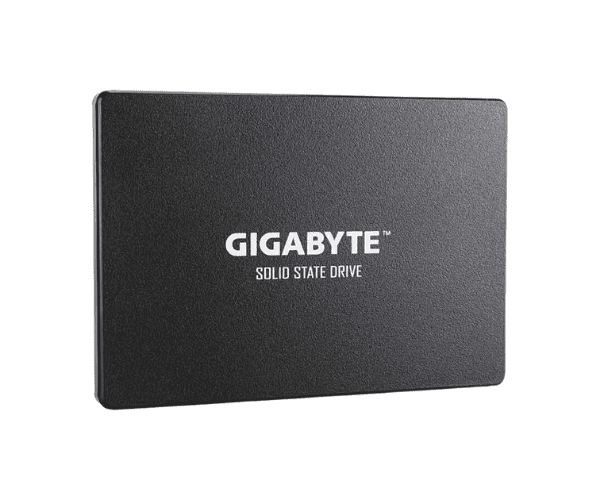
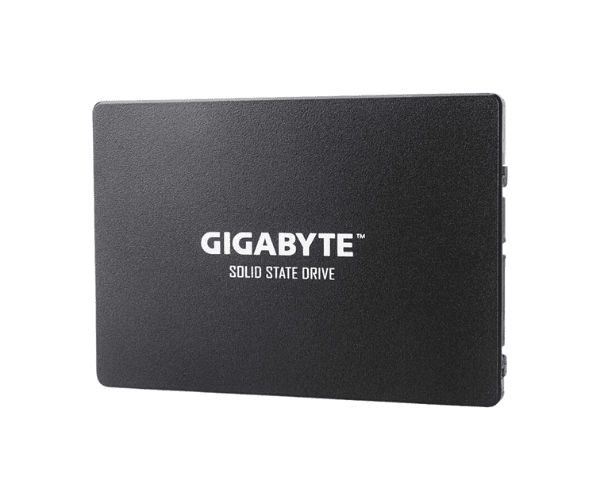
About of Gigabyte 256 GB 2.5 Inch SATAIII SSD
The
Gigabyte 256GB 2.5 Inch SATAIII SSD offers fast, reliable storage for everyday computing. Its compact design, improved read/write speeds, and energy efficiency make it perfect for upgrading your desktop or laptop for smoother performance and quicker data access.
Specification
| Feature |
Details |
| Brand |
Gigabyte |
| Model |
Gigabyte 256GB 2.5 Inch SATAIII |
| Type |
2.5 Inch SATAIII SSD |
| Storage |
256GB |
| Form Factor (Inch) |
2.5 Inch |
| Interface Mode |
SATA |
| Interface(s) |
SATA 6Gb/s |
| PCIe/NVMe Generation |
Not Applicable |
| Read Speed (Max.) |
520MB/s |
| Write Speed (Max.) |
500MB/s |
| Approx. Power Consumption |
15W |
| Color |
Black |
| Dimensions |
69.85 x 7 x 100mm |
Description
Gigabyte 256 GB 2.5 Inch SATAIII SSD in BD
The Gigabyte 256 GB 2.5 Inch SATAIII SSD is compact and power-efficient for extra system speed and reliability. Combining an advanced SATAIII interface, it offers flawless multitasking and boots in less time compared to usual, thus fitting all needs of modern computing.
User Experience
People just adore the Gigabyte 256 GB 2.5 Inch SATAIII SSD because of its extremely brilliant performance. That makes a huge difference in terms of system responsiveness, quickening data transfer rates and shortening the loading time. Light, easy to install, and quiet during operation, this SSD offers a great cost-to-performance ratio.That will be ideal for upgrading systems that are of the older category for fluent gaming, faster software launch, and more productivity.
Why Choose the Gigabyte 256 GB 2.5 Inch SATAIII SSD the best?
- High Performance: Up to 550MB/s sequential read, up to 500MB/s sequential write.
- Slimmer Design: Slimmer 2.5" to fit most devices.
- Energy Efficient: Lower energy consumption extending battery life.
- Durable: 3D NAND technology that is highly reliable and with an extended lifespan.
- Affordable: Economically upgrade while boosting performance.
Installation Steps
- Switch off the computer and disconnect all cables.
- Open the case for access to the storage bay.
- Screw the Gigabyte 256GB 2.5'' SATAIII SSD into the 2.5" drive bay using screws.
- Connect the SSD to the motherboard using a SATA cable.
- Reconnect the power supply and power on the computer.
- Initiate and format the SSD with the Disk Management of your operating system.
What is the Price of the Gigabyte 256GB 2.5 Inch SATAIII SSD in Bangladesh?
The latest price
of Gigabyte 256GB 2.5 Inch SATAIII SSD in Bangladesh depends on quantity.
Crystal Vision Solutions ensure This product has the best market price in Bangladesh. Our product is 100% original and lowest price in Bangladesh. All kinds of services are the best in Bangladesh, and contact us for any information and latest price.