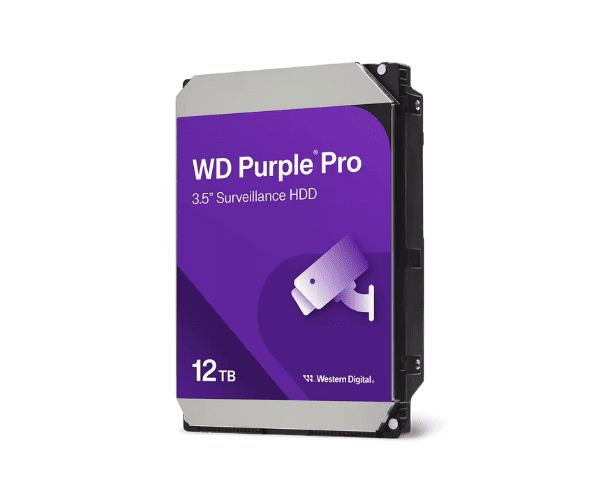
About The Western Digital WD121PURP Surveillance Purple 12TB Hard Drive
The Western Digital WD121PURP Surveillance Purple 12TB Hard Drive is a top-tier hard drive made for full-time security camera recording. Having massive 12TB capacity, it is most appropriate for corporate DVR and NVR systems. It is optimized for video streaming to deliver disturbance-free performance, can handle 64 HD cameras, and is guaranteed to bring reliable consistency.
Western Digital WD121PURP Surveillance Purple 12TB Hard Drive in BD
The Western Digital Surveillance Purple 12TB Hard Drive is already available in BD from top computer stores and even online. It is a monster storage device and also extremely reliable to serve business as well as high-security surveillance networks at home in BD. Ideal for 24/7 cam use as well as recording long-term surveillance.
User Experience of Western Digital WD121PURP Surveillance Purple Hard Drive
Western Digital Surveillance Purple 12TB Hard Drive users appreciate its silent operation, high capacity, and consistent long-term use. For home or commercial use, users like smooth video recording, quick retrieval of recordings, and strong DVR/NVR system compatibility. Simple to install, it is suitable for multi-camera high-definition applications.
Why Select The Western Digital WD121PURP Surveillance Purple 12TB Hard Drive?
Western Digital WD121PURP Purple 12TB Hard Drive is engineered for surveillance excellence. In contrast to standard desktop drives, the drive is specifically optimized for 24/7 recording, provides a high workload of 180TB/year, and supports up to 64 cameras without any problem. AllFrame AI technology reduces video interruptions and lost frames, and hence is the perfect solution for high-security systems.
Key Features
-
Big 12TB Capacity: Capture hundreds of hours of HD surveillance footage.
-
AllFrame AI Technology: Play back and remove lost frames.
-
Compliant with 64 HD Cameras: Scalable, enterprise-class solutions.
-
Strong Build: Capable of working continuously 24/7.
-
Low Power Requirements: Use less power despite high performance.
-
Silent Whisper Operation: Quiet operation, ideal for any environment.
-
High Compatibility: DVR, NVR, as well as AI-powered systems compatibility.
How to Maintain Western Digital WD121PURP Surveillance Purple 12TB Hard Drive?
-
Make It Cool: Operate within well-ventilated DVR/NVR enclosures to prevent overheating.
-
Shield from Power Loss: Employ a UPS to shield against power loss.
-
Check Drive Health: Use WD software to check drive health and temperature.
-
Secure Mounting: Securely mount the drive to shield against shocks and vibrations.
-
Firmware Updates: Update firmware for best compatibility and performance.
Installation Steps
-
Shut Down the System: Shut down your DVR/NVR or computer.
-
Strip the Case: Locate the 3.5" SATA drive bay.
-
Insert and Mount the Drive: Mount the hard drive and secure it with screws.
-
Connect SATA and Power Cables: Connect the necessary cables to the drive.
-
Reboot the System: Turn on the machine and access the system settings.
-
Format the Drive: Set up and format the drive to start recording.
-
Verify Cameras: Ensure all cameras are visible and recording well.
Where Can It Be Used?