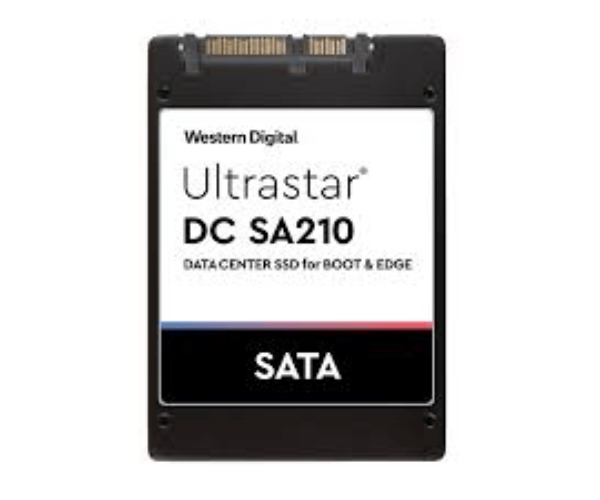
About The WD HBS3A1996A4M4B1 960GB Ultrastar DC SA210 Server SSD
The Western Digital HBS3A1996A4M4B1 960GB Ultrastar DC SA210 Server SSD is an enterprise-level solid-state drive for fast, reliable, and efficient server storage. With a SATA 6Gb/s interface, 2.5-inch form factor, and read-optimized design, it's ideal for deployment in data centers, web servers, and business-critical environments.
WD HBS3A1996A4M4B1 960GB Ultrastar DC SA210 Server SSD in BD
The WD HBS3A1996A4M4B1 Ultrastar DC SA210 Server SSD is readily available in Bangladesh via authorized IT shops and online sites. It is well-liked by Bangladeshi data centers, businesses, and IT professionals due to its reliability and cost-effectiveness in read-intensive workloads.
User Experience of WD HBS3A1996A4M4B1 960GB Ultrastar DC SA210 Server SSD
The customers of WD HBS3A1996A4M4B1 960GB Ultrastar DC Server SSD have witnessed excellent performance in boot environments, cloud computing, and media streaming. This drive offers high server stability and uptime for intensive operations with its low power consumption, low noise, and fast data response.
Why Choose WD HBS3A1996A4M4B1 960GB Ultrastar DC SA210 Server SSD?
The WD HBS3A1996A4M4B1 Ultrastar DC SA210 Server SSD offers excellent value for companies needing dependable storage for read-intensive workloads. It offers enterprise-class features like power-loss protection, low latency, and high endurance at an affordable price, making it a class leader.
Key Features
- 960GB of high-performance storage
- SATA 6Gb/s for wide compatibility
- Up to 525 MB/s read speeds
- Enterprise-class power-loss protection
- 3D TLC NAND for reliability
- Ideal for boot and read-intensive workloads
- Power-efficient design
- Long 2 million hours MTBF
How to Maintain WD HBS3A1996A4M4B1 960GB DC SA210 Server SSD?
- Keep the firmware updated with WD tools.
- Check the drive health with SMART utilities.
- Ensure a clean and cool environment.
- Use UPS to avoid power damage.
- Backup data regularly for safety.
Installation Steps
- Power off your system.
- Remove the chassis of your server or workstation.
- Install the SSD into the 2.5-inch SATA bay.
- Attach SATA power and data cables.
- Power on and detect the drive in BIOS.
- Format the drive for OS or storage use.
- Install and start use.
Where Can It Be Used?
- Server boot drives.
- Web and application hosting.
- Content delivery networks (CDN).
- Virtual desktop infrastructure (VDI).
- Video-on-demand streaming.
- Cloud platforms and backup storage.
- Email and file servers.