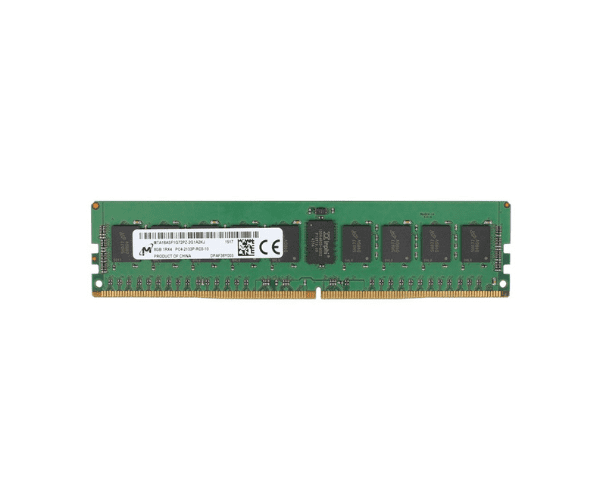
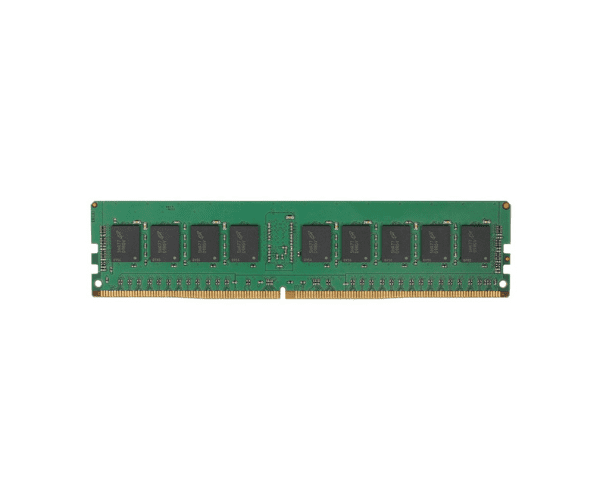
About the Micron 8GB 46W0790 PC4-17000 1Rx4 Server Memory
The Micron 8GB 46W0790 PC4-17000 1Rx4 Server Memory is a high-quality, high-performance memory module designed for demanding server environments. With 8GB of capacity and a speed of 2133MHz, this memory provides reliable performance and efficiency for your server applications.
Description
The Micron 8GB 46W0790 PC4-17000 1Rx4 Server Memory offers a reliable and efficient upgrade for your server. Operating at 2133MHz, this DDR4 memory module delivers stable performance and supports high-speed data processing. The 8GB capacity is ideal for improving multitasking and enhancing the performance of server applications. Its 1Rx4 configuration ensures compatibility and efficiency, while the non-ECC design suits environments where error correction is not a priority. This module is a practical choice for boosting server performance while maintaining energy efficiency with its 1.2V operating voltage.
User Experience
Users of the Micron 8GB 46W0790 PC4-17000 Server Memory commonly experience enhanced server speed and reliability. The module is known for its stability and ease of installation, making it a popular choice for upgrading server memory.
Installation Steps
- Turn Off the Server: Power down the server and disconnect it from the power source.
- Open the Server Case: Remove any screws or latches to access the server's interior.
- Locate the Memory Slots: Identify the DIMM slots on the motherboard.
- Install the Memory Module: Align the Micron 8GB 46W0790 PC4-17000 Server Memory with the slot and press it down gently until it clicks into place.
- Secure and Reassemble: Ensure the memory is firmly seated, close the case, and reconnect the power.