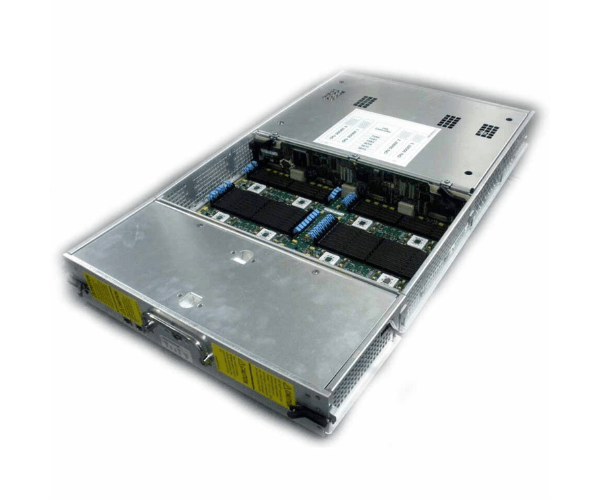
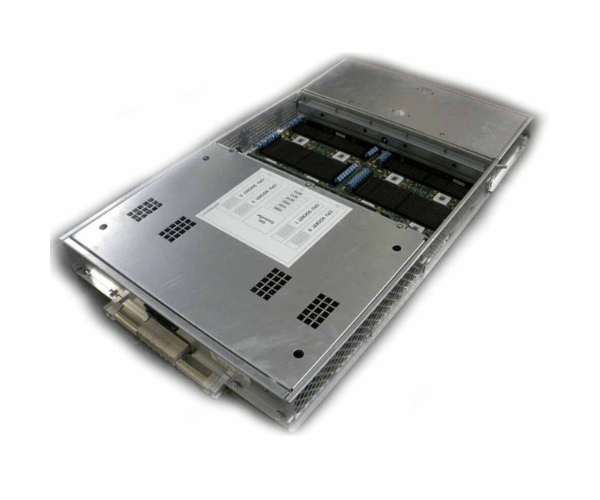
HP A9837A Superdome Cell Board sx2000
The
HP A9837A Superdome Cell Board sx2000 is a high-performance component designed to enhance the capabilities of your HP Superdome server. This cell board provides essential processing power and scalability, making it ideal for demanding applications and ensuring efficient operation in complex IT environments.
User Experience
Users of the
HP A98 37A Superdome Cell Board sx2000 have experienced enhanced server performance and scalability. This cell board integrates seamlessly with HP Superdome servers, providing robust processing capabilities that are essential for high-demand applications. The board’s efficient design ensures reliable operation, contributing to improved system stability and performance. IT professionals value the
HP A9837A Superdome Cell Boards sx20 00 for its ability to handle complex tasks and support high-speed processing. Overall, it is praised for its reliability and the significant performance boost it offers in enterprise environments.
Why Choose the HP A9837A Superdome Cell Board sx2000?
Choosing the
HP A98 37A Superdome Cell Board sx2000 means opting for enhanced performance and scalability for your HP Superdome server. This cell board is designed to provide critical processing power, ensuring that your server can handle demanding applications with ease. The
HP A9837A Superdome Cell Board offers advanced functionality, making it an essential upgrade for boosting server efficiency and capability. Its seamless integration with HP Superdome servers and efficient power usage further add to its value. For IT professionals seeking reliable and high-performance components, the
HP A9837A Cell Board sx2000 is a top choice.
Installation Steps
- Power down the HP Superdome server and disconnect it from the power source.
- Open the server chassis following the manufacturer’s instructions.
- Locate the existing cell board and carefully remove it, disconnecting any cables as needed.
- Align the HP A9837A Superdome Cell Board with the designated slot in the server.
- Gently insert the cell board into the slot, ensuring it is securely seated.
- Connect all necessary cables and interfaces to the new board.
- Close the server chassis and reconnect the power source.
- Power on the server and verify the successful installation by checking system diagnostics or server management interface.