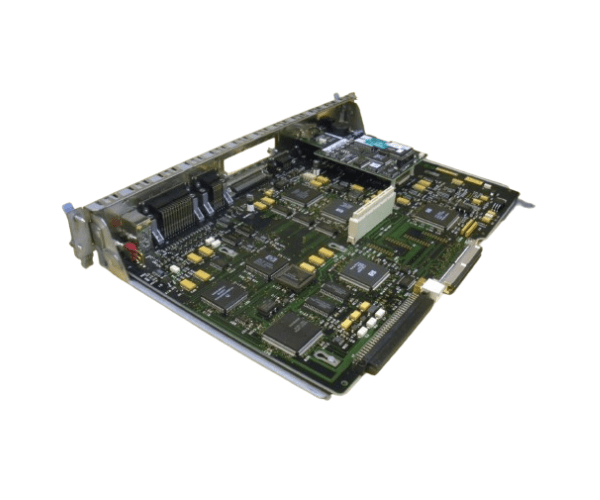
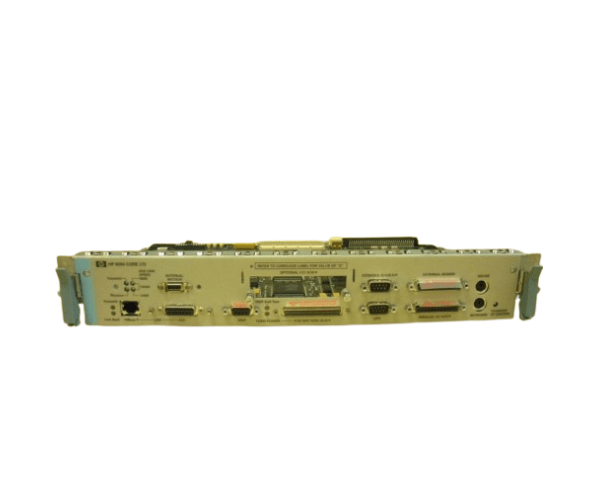
HP A2375-60060 Core I/O Board K Class
The
HP A2375-60060 Core I/O Board K Class is a high-performance component designed to enhance the functionality of your HP server. This I/O board ensures seamless communication between your server's core components, providing reliable data transfer and connectivity. Ideal for businesses seeking to optimize their server infrastructure, this board delivers robust performance and durability.
User Experience
Users of the
HP A2375-60060 Core Input / Output Board K Class have consistently praised its ease of installation and reliability in performance. The board integrates smoothly with HP K Class servers, offering a stable and efficient data transfer process. Whether you're upgrading your existing server or setting up a new one, this I/O board simplifies the process, ensuring that all core components communicate effectively. The robust build quality ensures that it withstands the demands of a busy server environment, making it a trusted choice for IT professionals.
Why Choose the HP A2375-60060 Core I/O Board K Class?
The
HP A2375-60060 Core Input / Output Board K Class stands out for its exceptional compatibility with HP K Class servers, providing a seamless upgrade to your server's capabilities. Its high-speed data transfer rates and reliable connectivity make it an essential component for businesses looking to enhance server performance. Additionally, its energy-efficient design helps in reducing operational costs, making it a cost-effective solution. The
HP A2375-60060 Core Input / Output Board K Class is not only easy to install but also comes with a warranty, offering peace of mind for IT administrators.
Installation Steps
- Power down the HP K Class server and disconnect it from the power source.
- Open the server chassis following the manufacturer’s guidelines.
- Locate the existing I/O board and carefully remove it, ensuring no connectors are damaged.
- Align the HP A23 75-60060 Core I/O Board K Class with the designated slot in the server.
- Gently insert the board into the slot, ensuring it is firmly seated.
- Secure the board with screws or fasteners as required by the server design.
- Reconnect all necessary cables and connectors to the new I/O board.
- Close the server chassis and reconnect the power source.
- Power on the server and verify the successful installation by checking the server’s BIOS or setup utility.