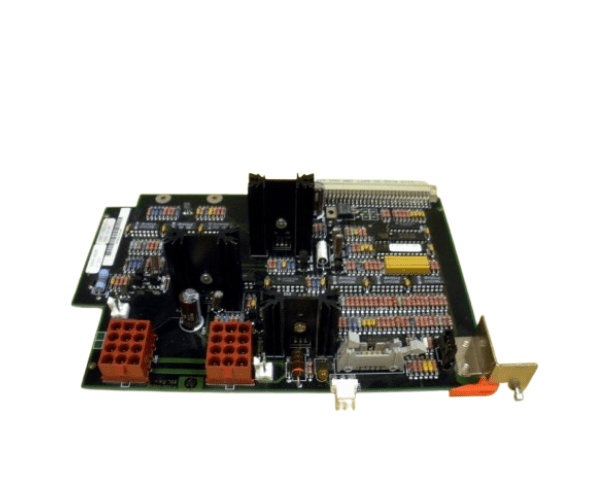
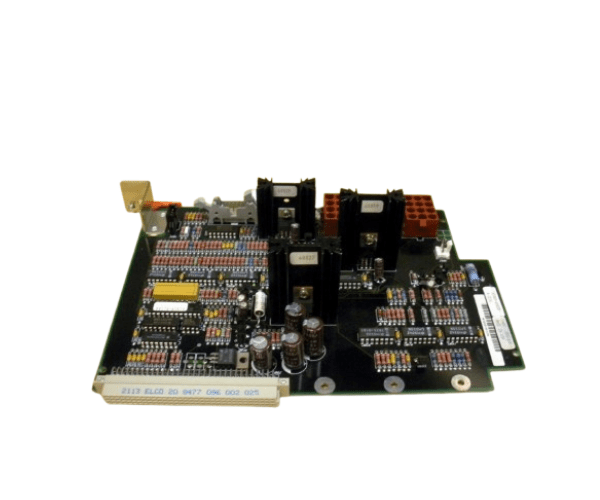
HP A1809-60030 Power Control Module
The
HP A1809-60030 Power Control Module is a critical component designed to manage and distribute power efficiently within HP systems. Engineered for reliability, this module ensures your HP equipment operates smoothly by providing stable power management, making it an essential addition to any enterprise environment.
User Experience
Users of the
HP A1809-60030 Power Module consistently report improved power distribution and system stability. The module’s seamless integration into HP systems makes it a preferred choice for those looking to optimize their data center’s power management. Its durability and reliable performance under various conditions are particularly appreciated by IT professionals.
Why Choose the HP A1809-60030 Control Module?
The
HP A1809-60030 Power Module is an excellent choice for enhancing the power management of your HP systems. Its robust design ensures stable and efficient power distribution, minimizing the risk of power-related failures. Opting for the
HP A1809-60030 Power Module guarantees compatibility, reliability, and performance, making it a vital component for any enterprise infrastructure.
Key Features
- Efficient Power Management: provides regulated power distribution to ensure system stability.
- High compatibility: designed to work seamlessly with select HP systems.
- Compact Design: Fits easily into existing rack-mounted setups.
- Reliable Performance: Built to operate under a wide range of conditions.
- Easy Installation: Simplifies power management upgrades without extensive downtime.
Installation Steps
- Power Down the System: Ensure all connected equipment is turned off and unplugged.
- Locate the Power Module Slot: Identify the designated slot within the HP system for the power control module.
- Insert the Module: Carefully slide the HP A1809-60030 Power Controls Module into the slot until it is securely connected.
- Secure the Module: Use screws or latches to secure the module in place, ensuring it’s firmly attached.
- Reconnect Power and Test: Reconnect the power supply and turn on the system to verify that the module is functioning correctly.