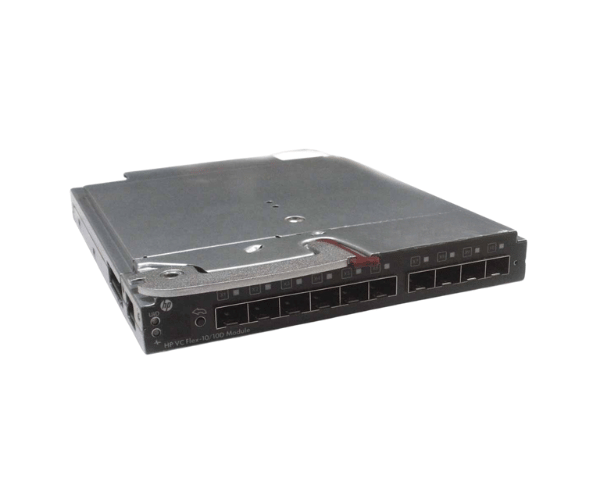
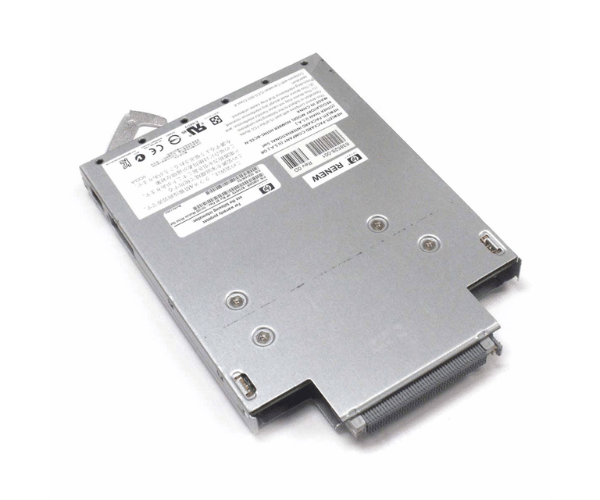
HP 638526-B21 Virtual Connect VC Flex-10/10D Module
The HP 638526-B21 Virtual Connect VC Flex-10/10D Module is designed to upgrade your HP BladeSystem with high-performance network connectivity. Offering both flexibility and speed, this module enhances data management and supports robust networking capabilities, making it ideal for demanding IT environments.
User Experience
The HP 638526-B21 Virtual VC Flex-10/10D Module is highly regarded for its reliability and performance. Users appreciate its ability to handle high-speed data transfers and offer flexible network configurations. The module integrates effortlessly with HP BladeSystems, providing an enhanced networking experience and simplified management through the Virtual Connect Manager.
Why Choose the HP 638526-B21 Virtual Connect VC Flex-10/10D Modules?
The H
HP P 638526-B21 Virtual Connect Flex-10/10D Module is a top choice for optimizing network performance in HP BladeSystem environments. This module supports both 10GBASE-T and 10GbE SFP+ connections, delivering up to 40 Gbps throughput and enabling scalable, high-speed networking. With its easy integration into existing systems and comprehensive management capabilities, the HP 638526-B21 module is ideal for data centers looking to enhance their network infrastructure and improve overall efficiency.
Key Features
- High-Speed Connectivity: Provides both 10GBASE-T and 10GbE SFP+ options for rapid network connections.
- Flexible Network Configuration: Supports versatile network setups to meet diverse data center needs.
- Scalable Performance: Handles up to 40 Gbps throughput, accommodating growing network demands.
- Efficient Management: Includes Virtual Connect Manager for streamlined network management.
- Seamless Integration: Compatible with HP BladeSystem c-Class and ProLiant blade servers.
Installation Steps
- Power Down: Turn off the HP BladeSystem chassis and disconnect it from the power source.
- Open Chassis: Remove the chassis cover to access the internal slots.
- Remove Old Module: If replacing an existing module, gently remove it from its slot.
- Install New Module: Insert the HP 638526-B21 Virtual Connect VC Module into the designated slot, ensuring it is properly aligned.
- Connect Cables: Attach the necessary network cables to the module’s ports.
- Close Chassis: Replace and secure the chassis cover.
- Reconnect Power: Plug the chassis back into the power source and power it on.
- Verify Operation: Use the Virtual Connect Manager to ensure the HP 638526-B21 module is recognized and functioning correctly.