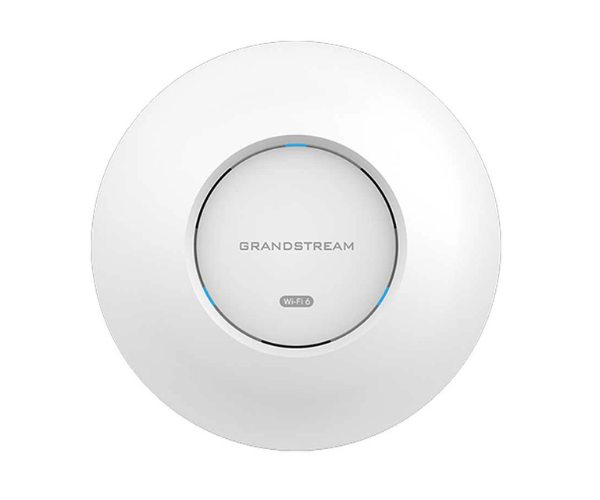
About The Grandstream GWN7660 Indoor Wi-Fi Access Point
The Grandstream GWN7660 Indoor Wi-Fi Access Point is an ultra-high performance wireless access point, usable for medium and large indoor spaces. Wi-Fi 6 (802.11ax) enabled, the device gives fast, continuous internet with dual-band capability. Applicable to use in the office, home, and for business, it offers continuous connection to several devices.
Grandstream GWN7660 Indoor Wi-Fi Access Point in Bangladesh
The Grandstream GWN7660 Indoor Wi-Fi Access Point is available in Bangladesh through authorized distributors and dealers. It's very popular among home users, small and medium-sized enterprises, who require a speedy, reliable network for internet, video conferencing, etc. It's good value for high-speed, secure Wi-Fi.
User Experience of Grandstream GWN7660 Indoor Wi-Fi Access Point
The Grandstream GWN7660 Indoor Wi-Fi Access Point is highly valued by customers due to its simple installation and high reliability. It can be applied in home environment or office environment to provide quick and stable Wi-Fi so that several devices can connect at the same time without any interruption. The product has very good reputation for its smooth compatibility with smart home appliances and mobile phones.
Why Choose Grandstream GWN7660 Indoor Wi-Fi Access Point?
Choose the Grandstream GWN7660 Indoor Wi-Fi Access Point for its state-of-the-art Wi-Fi 6 technology that offers support to higher speeds, reduced latency, and better performance for many devices. It is ideal for business and residential customers requiring a highly efficient high-speed wireless network. With 4 LAN ports and easy-to-deploy management features, it is an ideal choice for small as well as medium-sized deployments.
Key Features
- Wi-Fi 6 (802.11ax) support for enhanced speed and efficiency.
- Total Wi-Fi speed up to 2.5 Gbps (800 Mbps on 2.4GHz, 1.7 Gbps on 5GHz).
- 4×4 MU-MIMO technology for simultaneous connection of multiple devices.
- PoE (Power over Ethernet) for easy installation without power cables.
- 4 Gigabit LAN ports for connection of wired devices like IP phones, PCs, etc.
- WPA3 encryption for secure wireless connectivity.
- Managed by GWN.Cloud, GWN Manager, or web interface.
- Quality of Service (QoS) for optimal video and voice performance.
- Wall-mount design for easy installation.
- Slim, compact design.
How To Maintain Grandstream GWN7660 Indoor Wi-Fi Access Point?
- Firmware Updates: Periodic firmware updates through GWN.Cloud to keep the device up-to-date and secure.
- Regular Cleaning: Gently wipe the device with a soft cloth. Never use scrub cleaners.
- Check Connections: Regularly check Ethernet cables and PoE connections.
- Check Network Health: Keep an eye on performance and device status through the GWN Manager or GWN.Cloud.
- Restart Regularly: Periodically power cycle the device every 3–6 months to clear out network issues.
Installation Steps
- Unbox the Grandstream GWN7660 Indoor Wi-Fi Access Point and confirm all pieces are included.
- Install the device onto a wall with the mounting bracket provided (standard 86mm wall outlet box compatible).
- Connect Ethernet cables to the 4 LAN ports for hard-wired devices.
- Power the device with PoE from your network switch or the optional 12V power supply.
- Login to management interface (web UI or GWN.Cloud) and configure network settings.
- Set SSID, security modes, and other configurations.
- Validate the connection by plugging in devices and checking the signal.
Where It Can Be Used?
- Offices: For worker and guest internet in small- to medium-sized offices.
- Retail Stores: To provide internet for customers or equipment within stores.
- Warehouses: For stable wireless connectivity for inventory and security.
- Schools & Universities: For office and classroom use.
- Homes: For enhanced Wi-Fi coverage in larger living rooms.
- Hospitals and Clinics: For delivering a good internet experience for waiting rooms and treatment rooms.
Pricing and Availability
This product is available in various shops across Bangladesh. For the best price, page at
Crystal Vision Solutions.