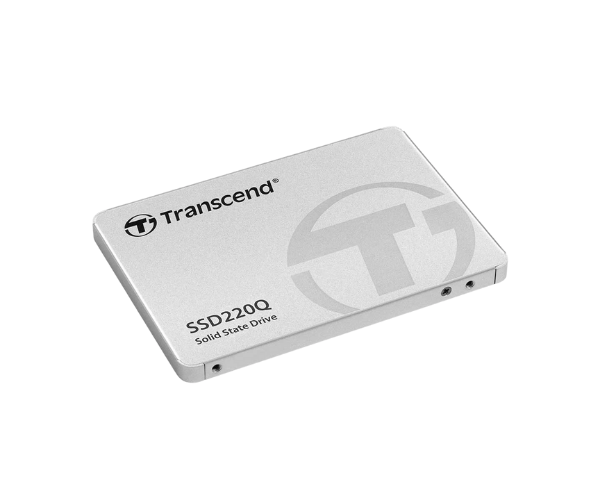
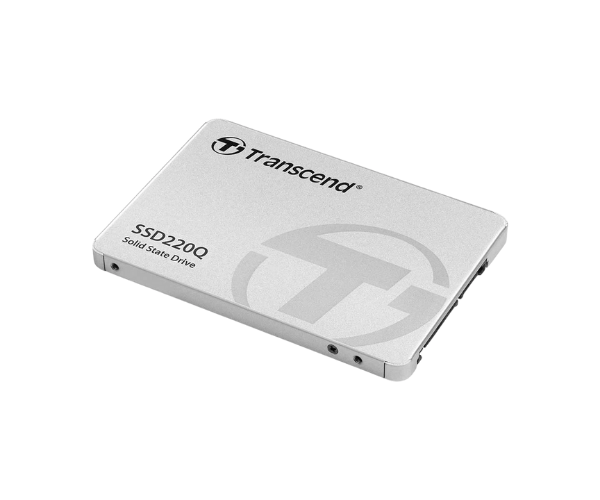
About of Transcend SSD220Q 1TB SATA III SSD
The
Transcend SSD220Q 1TB SATAIII SSD offers high-speed performance with reliable storage for everyday computing needs. It enhances your system’s responsiveness and provides a faster, smoother experience, perfect for both personal and professional use.
Specification
| Feature |
Details |
| Brand |
Transcend |
| Model |
Transcend SSD220Q |
| Type |
Internal SSD |
| Storage |
1TB |
| Form Factor |
2.5 Inch |
| Interface Mode |
SATA |
| Interface(s) |
2.5 inch SATA III |
| PCIe/NVMe Generation |
Not Applicable |
| Read Speed (Max.) |
550MB/s |
| Write Speed (Max.) |
500MB/s |
| Approx. Power Consumption |
15W |
| Color |
White |
| Dimensions |
100 x 69.85 x 6.8 mm |
| Weight |
45 gm |
Description
Transcend SSD220Q 1 TB SATAIII SSD in BD
The Transcend SSD220Q 1TB SATAIII SSD is designed to give your system a boost with ultra-high read and write speeds. Equipped with 3D NAND flash, this SSD assures data transfer at quick speeds, is reliable, and promises a responsive user experience. Upgrade your PC or laptop with ease using the Transcend SSD220Q 1TB.
User Experience
Upgrade to the Transcend SSD220Q 1-TB SATAIII SSD for a complete game change. It reduces boot time while increasing file transfer speed, hence daily tasks will be way faster and more efficient. Installation is easy, and performance improvement will be felt instantly. Be it for gaming, working, or even browsing, this SSD enhances responsiveness and stability, giving your system a new feel.
Why Choose the Transcend SSD220Q 1TB SATAIII SSD?
- Fast Speed: Up to 550 MB/s read, up to 450 MB/s write.
- Reliable Storage: The drives are built with 3D NAND technology that makes storage durable for great performances.
- Energy Efficient: Consume less power compared to traditional hard drives, thus extending laptop battery life.
- Easy Installation: Easy to install, with the standard 2.5-inch form factor and compatibility with most devices.
- Long Life: High endurance for a long life span, perfect for heavy work.
Steps of Installation
- Backup Data: Before commencing the installation, back up your data.
- Switch off the PC: Switch the computer off and unplug the power plug.
- Open the Case: Access your computer or laptop by opening it with a screwdriver.
- Fix the SSD: Set the Transcend SSD220Q 1TB SSD into the slot of SATA.
- Secure the SSD: Fasten the screws tight to secure the drive.
- Close the Case: Reattach the cover of the device.
- Connect and Boot Up: Reconnect your device to the power source and turn it on. Format the SSD: Once powered up, in the operating system,
- go to Disk Management and format the SSD.
What is the Price of the Transcend SSD220Q 1TB SATAIII SSD in Bangladesh?
The latest price of
Transcend SSD220Q 1TB SATAIII SSD in Bangladesh depends on quantity.
Crystal Vision Solutions ensure This product has the best market price in Bangladesh. Our product is 100% original and lowest price in Bangladesh. All kinds of services are the best in Bangladesh, and contact us for any information and latest price.