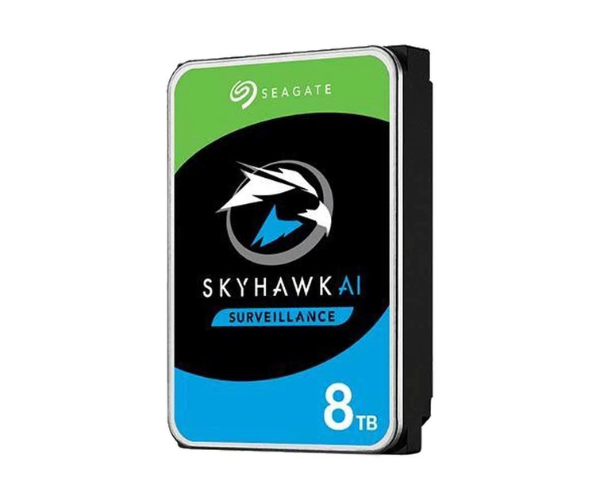
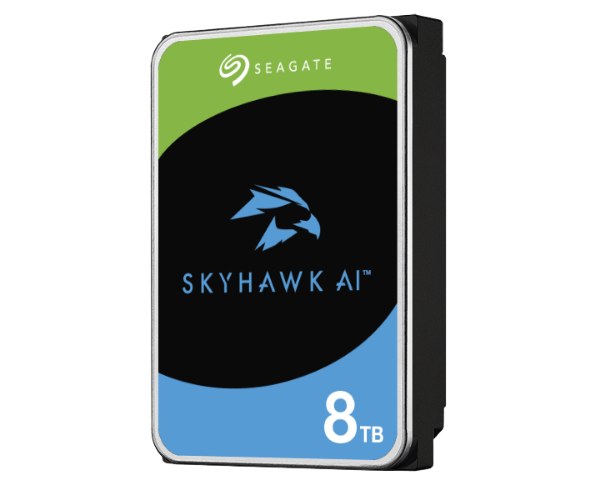
About this Seagate Skyhawk AI STST8000VE001 8 TB 3.5 '' Surveillance HDD
The Seagate SkyHawk AI STST8000VE001 8TB 3.5 '' Surveillance HDD is designed for high-performance security systems. It supports AI video analytics, ensuring reliable 24/7 recording with minimal frame loss. With superior workload capacity and optimized durability, this drive is ideal for professional surveillance setups.
Seagate Skyhawk AI STST8000VE001 8TB 3.5 '' Surveillance HDD in BD
The Seagate SkyHawk AI STST8000VE001 8TB 3.5'' Surveillance Hard Drive is designed for the future of AI-enabled surveillance systems. It is capable of smooth recording and analytics in real-time, making it an ideal choice for NVRs and DVRs. With optimized workload rates, it can support multiple video streams while keeping frame dropping to an efficient minimal level and stability in the entire system.
User Experience
With video recording made seamless and analytics made AI driven, the
Seagate SkyHawk AI STST8000VE001 8TB 3.5'' Surveillance Hard Drive certainly bolsters the security aspect. It gets the applauds for recording up to 64 HD streams and playback being smooth. The advanced ImagePerfect AI firmware accounts for the minimum dropped frames, giving clear and uninterrupted footage. 24/7 performance along the lines of low power is what add to its favoured image among security professionals regarding continuous operation installation in residential, commercial and industrial set-ups.
Why Choose the Seagate SkyHawk AI STST8000VE001 8TB 3.5'' Surveillance HDD?
- AI Driven Performance- 32 AI streams coupled with 64 HD streams of real time surveillance capability.
- Trustworthy Storage- The video retention would go up to 8TB, thus minimizing drive change activities.
- - Tailored for Surveillance- ImagePerfect AI accommodates little frame loss with a seamless video recording.
- High Workload Capability - A drive that can sustainably endure a workload of 550TB in a year of continuous recording for security.
- Energy Efficient- It utilized lower power consumption with highly and continually performing operations.
Installation Steps
- Turn off the system. - Make sure to power down your DVR, NVR, or PC before adding the drive.
- Open the case. - Use a screwdriver to remove the side panel from the system. .
- Find the drive bay. - Find a 3.5-inch free drive bay.
- Insert HDD Carefully place Seagate SkyHawk AI STST8000VE001 8 TB 3.5'' Surveillance into the bay.
- Secure the HDD Drive- use screws to fix it in place without a problem.
- Connect Cables- Attach the SATA power and data cables to the HDD.
- Close the case- Reassemble the case while ensuring all connections are secure.
- Power On & Format- Boot your system and access disk management to format the drive.
- Configure Settings- Prepare the HDD for surveillance recording with the system settings.