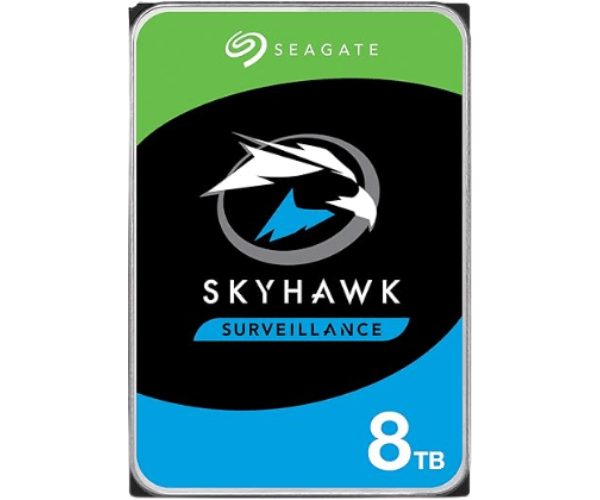
About of Seagate ShyHawk ST8000VX0022 8 TB 3.5 '' Surveillance HDD
The Seagate SkyHawk ST8000VX0022 8TB 3.5 '' Surveillance HDD is designed for high-performance, 24/7 surveillance systems. It offers massive storage and reliable performance, making it ideal for video security, ensuring smooth, continuous data capture and playback.
Seagate ShyHawk ST8000VX0022 8TB 3.5 '' Surveillance HDD in BD
The Seagate SkyHawk ST8000VX0022 Surveillance 3.5-Inch HDD is a premium high-capacity storage having applications in surveillance. The hard drive works great with recording high-res videos with 8TB of whopping capacity and with consistent performances that transfer key information from day to night. With Seagate added features and technologies, the HDD is optimal for multi-camera surveillance installations with round-the-clock recordings free from any data corruption.
User Experience
While the Seagate SkyHawk ST8000VX0022 8TB 3.5'' Surveillance HDD performed satisfactory in almost all user reviews, the most common application was a 24/7 surveillance camera system. The large capacity allows the drive to hold enormous amounts of video data, guaranteeing that no data would get recorded during a critical moment. The low power consumption is also a plus factor in keeping it cool for long operation. The read and write speed remains excellent; it has not degraded over time. Most importantly, the users appreciate their video footage being safe in peak times.
Why Choose The Seagate SkyHawk ST8000VX0022 8TB 3.5'' Surveillance HDD?
The
Seagate SkyHawk ST8000VX0022 8TB 3.5'' Surveillance Hard Drive has been manufactured to cater to the extremely demanding conditions imposed by the modern surveillance systems. The large 8TB storage can hold video recordings from many high-resolution cameras. This allows the hard drive to operate 24 hours a day and lends reliability to security-related tasks by ensuring uninterrupted recording flow without data loss. The Seagate SkyHawk ST8000VX0022 has been made to withstand the toughest conditions with 1 million hour MTBF and low power consumption, making it an efficient choice for security professionals and home-surveillance users alike.
Installation Step
- Power Down The System : Make sure that the surveillance system or computer is powered off before beginning the installation.
- Locate The Drive Bay : Open the system casing or storage enclosure and locate an empty 3.5" HDD drive bay.
- Insert The Seagate SkyHawk ST8000VX0022 : Carefully slide the Seagate SkyHawk 8TB HDD into the drive bay and secure the drive with screws or mounting brackets, if necessary.
- Connect The Data And Power Cables : Attach the SATA data and power cables to the correct ports on the drive.
- Close System Casing : Once the cables have been firmly connected, close the casing or enclosure.
- Power-On The System: Turn on the system and check the detection of the drive by the operating system or the surveillance system.
- Format The Drive: If necessary, format the drive for use with your surveillance system.
- Start Recording: Begin recording video footage for your surveillance system.