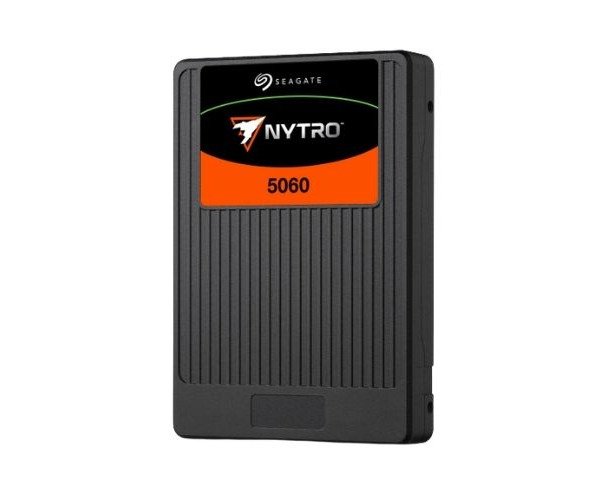
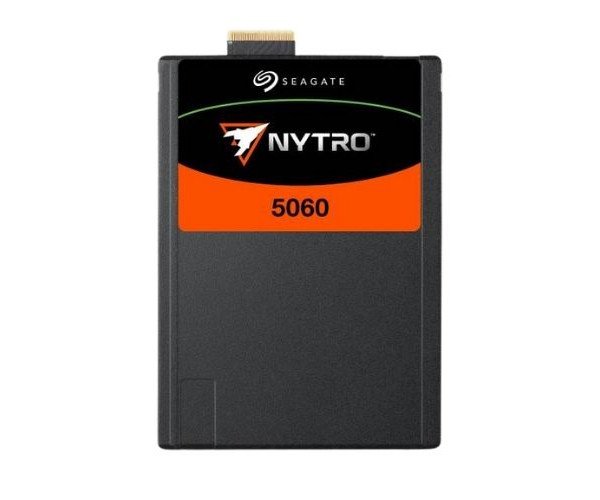
About of Seagate NYTRO 5560H XP1600LE70006 1.6TB Enterprise Solid State Drive
The Seagate NYTRO 5560H XP1600LE70006 1.6TB Enterprise SSD offers top-speed storage with reliability for high-performance workloads. Ideal for data centers and enterprise systems, it ensures efficient data handling with superior read/write speeds.
Seagate NYTRO 5560H XP1600LE70006 1.6TB Enterprise SSD in BD
The NYTRO 5560H XP1600LE70006 1.6 TB Enterprise SSD from Seagate is intended for organizations seeking storage that is both fast and reliable. Equipped with PCIe Gen4 NVMe speed and in the U.2 form factor, it is meant for fast data operations in enterprise servers and cloud environments.
User Experience
The fastest read and write speeds you can expect from a Seagate NYTRO 5560H XP1600LE70006 1.6TB Enterprise Solid State Drive are showcased in an enterprise environment, displaying system's capacity to respond at a higher rate. Whether you're working with big data, exploring large datasets, or running virtual machines, this system manages heavy workloads with ease. It runs quietly and efficiently, delivering high-level performance — an ideal choice for professionals who value speed and reliability. Data transfers are much faster, helping you save time and get more done. Built-in security gives you peace of mind, keeping your data safe and making it easy to erase when needed.
Why Choose the Seagate NYTRO 5560H XP1600LE70006 1.6 TB Enterprise SSD?
Buying a 1
.6TB Seagate NYTRO 5560H XP1600LE70006 Enterprise SSD is investing in future storage solutions. It's designed from ground up to cope with heavy enterprise workloads with impressive attributes in speed, endurance and reliability. The NVMe interface pushes performance higher, whilst advanced error correction and encryption ensure that data is protected at every level. Seagate always delivers in quality and long-term durability, so this SSD won't let you down. At 1.6TB, it's ideal for large applications, virtualization, and cloud infrastructures. If you need powerful and consistent storage for your enterprise, this SSD is built for the job.
Installation Steps
- Power off your server or workstation.
- Carefully open the system casing.
- Locate the U.2 drive bay slot.
- Insert the Seagate NYTRO XP1600LE70006 1.6TB Enterprise SSD into the bay.
- Secure the SSD with screws if needed.
- Reconnect power and boot your system.
- Use BIOS or OS tools to confirm SSD recognition.
- Format and partition as needed.
- Install necessary drivers or software.
- Begin using your upgraded storage!