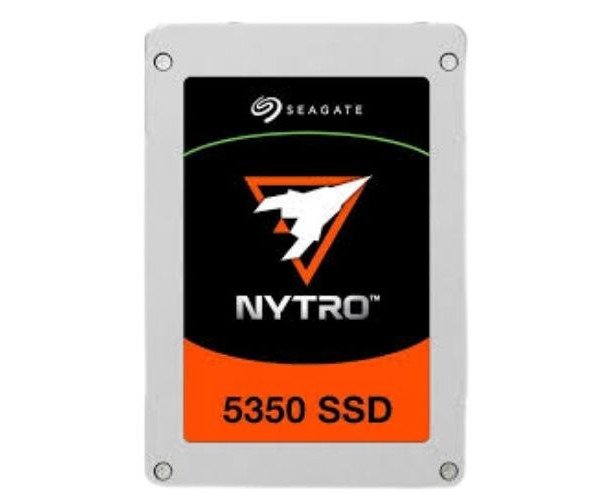
About of Seagate Nytro 5330 XP15360SE70005 15.36 TB Enterprise SSD
The Seagate Nytro 5330 XP15360SE70005 15.36TB Enterprise SSD is built for high-speed, heavy workloads. With reliable performance and huge storage capacity, this drive is perfect for enterprise applications like data centers, cloud computing, and business-critical systems.
Seagate Nytro 5330 XP15360SE70005 15.36TB Enterprise SSD in BD
The Seagate Nytro 5330 XP15360SE70005 15.36TB Enterprise Solid State Drive fuels enterprise-class performance, high durability, and energy efficiency. Handling big-data applications, data analytics, virtualization, and cloud storage is an effortless task for this SSD. When it comes to fast access to data and reliability, you can count on this SSD for your growing business requirements.
User Experience
Using the
Seagate Nytro 5330 XP15360SE70005 15.36TB Enterprise SSD is an upliftment to your business systems. Load and transfer of data speedily with even extreme usage: this is loved by IT professionals for its low latency with bulletproof performance. Whether it's dozens of BDA databases and hundreds of VMs, this SSD answers everything in the smoothest and most reliable manner. Very trustworthy in mission-critical environments given its ruggedness and symmetric speed; there are no worries with stalled access—because it delivers data whenever required.
Why Choose the Seagate Nytro 5330 XP15360SE70005 15.36TB Enterprise SSD?
Such an enterprise-class SSD offers excellent performance, ample storage capacity, and superlative security. This is why it fits best when heavy data access is required for quite a good amount of time-from cloud services, database hosting, and virtualization. The SSD utilizes advanced 3D NAND along with TCG Enterprise encryption, which guarantees data safety. Those energy-saving features also come in handy for desiring lower power consumption for large server rooms. For quality, trust, and performance Seagate Nytro XP15360SE70005 15.36TB Enterprise SSD.
Installation Steps
- Power off the system where the SSD is to be installed.
- Open the system chassis or server case.
- Locating the 2.5-inch drive bay compatible with SAS interface.
- Push the SSD fully into the bay until it clicks and locks securely in place.
- Secure the drive with screws if needed.
- Attach both the SAS data cable and the power connector to the SSD.
- Close the system and power it on.
- In BIOS/RAID controller, the SSD should be displayed.
- You may format the SSD and assign a drive letter via your OS.
- Begin the use of the drive for high-speed storage and data access.