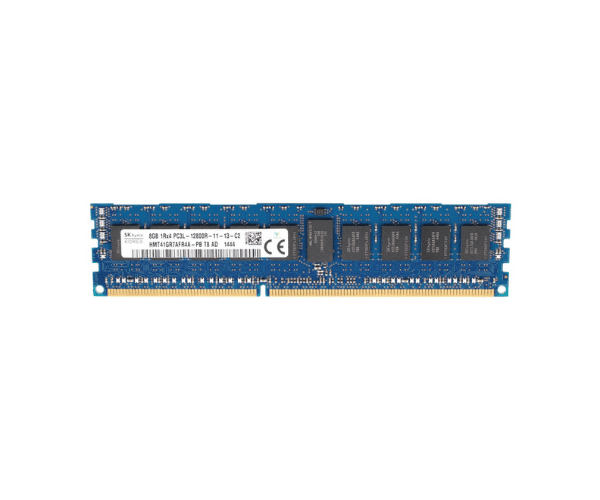
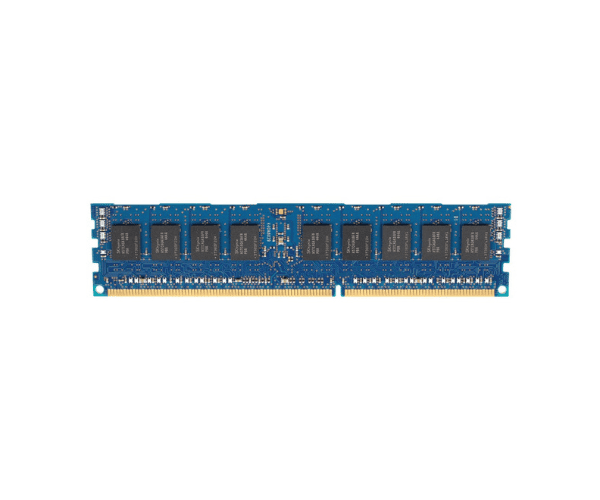
About of Hynix 8GB 869537-001 PC4-19200TE 1Rx8 Server Memory
The Hynix 8GB 869537-001 PC4-19200TE 1Rx8 Server Memory is designed for high-performance server applications, providing reliable and efficient memory performance with its 8GB capacity and fast data transfer speed.
Description
The Hynix 8GB 869537-001 PC4-19200TE Server Memory module is a DDR4 SDRAM designed to enhance server performance. With an 8GB capacity and a speed of 2400MHz, this memory module ensures fast and efficient data processing. The 1Rx8 configuration provides optimal data transfer rates, while the ECC (Error-Correcting Code) feature ensures data integrity and reliability, making it suitable for critical server applications. Operating at a low voltage of 1.2V, the module is energy-efficient and generates less heat, which is ideal for prolonged use in server environments.
User Experience
Users report improved server performance and stability with the Hynix 8GB 869537-001 PC4-19200TE Server Memory. The 8GB capacity and fast speed allow for efficient multitasking and data handling, while the ECC feature ensures reliable and error-free operation.
Installation Steps
- Power Down Server: Turn off and unplug the server.
- Open Server Chassis: Remove the chassis or panel to access the DIMM slots.
- Insert Memory Module: Align the Hynix 8GB 869537-001 PC4-19200TE Server Memory with the slot and press firmly until it clicks into place.
- Secure Module: Ensure the module is properly seated and the clips are engaged.
- Power Up Server: Reconnect power and start the server. Check the BIOS to confirm the new memory is recognized.