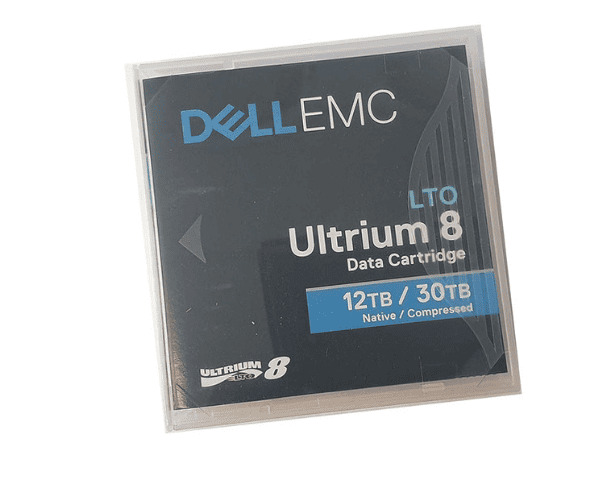
Buy the DELL EMC LTO8 Ultrium 8 Data Cartridge 0Y577J
The exceptional data storage solution known as the
Dell EMC LTO8 Ultrium 8 Data Cartridge 0Y577J was developed to meet the stringent requirements of contemporary businesses. This cartridge ensures that your data is safe and easily accessible thanks to its impressive storage capacity, lightning-fast transfer rates, and sturdy construction. Key highlights incorporate a huge 30TB compacted stockpiling limit, 750 MB/s move speeds, and a strong plan that guarantees information honesty for as long as 30 years.
User Experience:
Due to its high compatibility and ease of use, users of the
DELL EMC LTO8 Ultrium 8 Data Cartridge enjoy a hassle-free experience. Users are able to concentrate on other important tasks because backups and retrievals are completed quickly as a result of the rapid data transfer rates. Furthermore, the strong plan guarantees that the cartridge can endure rehashed use, giving inner serenity that your information is protected.
Why Choose DELL EMC LTO8 Ultrium 8 Data Cartridge 0Y577J?
By selecting the
Dell EMC LTO8 Ultrium 8 Data Cartridge, you are making an investment in a high-quality, dependable storage option that can accommodate the requirements of any modern business. It is an excellent choice for businesses that place a high value on data security and efficiency due to its high storage capacity, quick transfer rates, and long-term durability. Additionally, its similarity with LTO-8 drives guarantees smooth coordination with your current framework.
Installation Steps:
- Prepare the Drive: Ensure your LTO-8 drive is clean and in good working condition.
- Insert the Cartridge: Gently insert the DELL EMC LTO8 Ultrium 8 Data Cartridge into the drive.
- Initiate Backup: Use your backup software to start the data backup process.
- Eject and Store: Once the backup is complete, eject the cartridge and store it in a cool, dry place.
Uses of the DELL EMC LTO8 Ultrium 8 Data Cartridge:
- Data Archiving: Long-term storage of critical business data.
- Data Backup: Regular backups to ensure data security.
- Disaster Recovery: Storing backup copies off-site for disaster recovery planning.
- Media Storage: Safe storage of large media files such as videos and images.