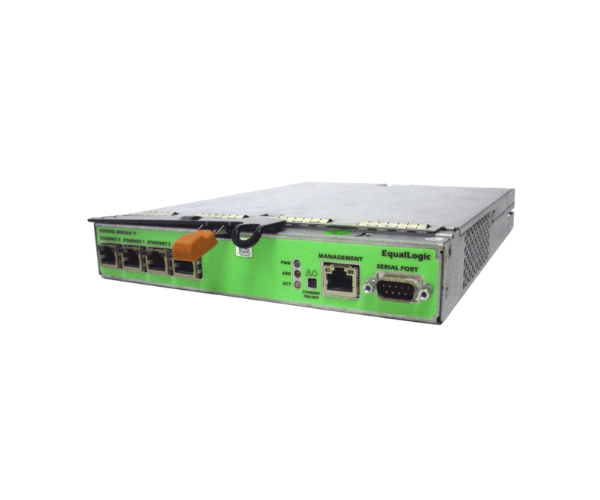
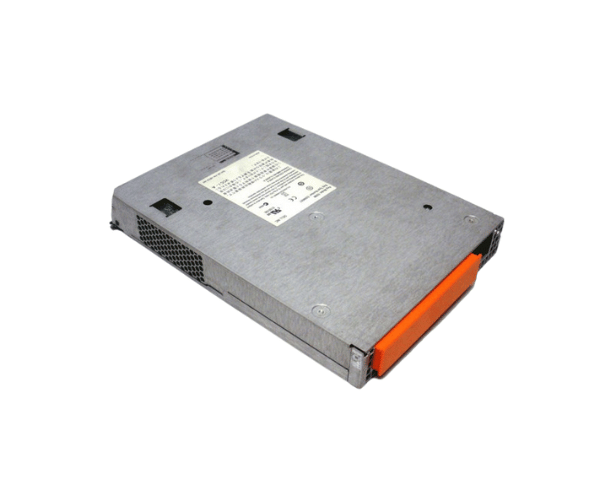
Overview of Dell 42J59 EqualLogic Type 11 Controller Module
The Dell 42J59 EqualLogic Type 11 Controller Module is a high-performance component. It optimizes the management of Dell EqualLogic storage systems. This module delivers reliability, scalability, and efficient data processing. It is crucial for enterprise-level storage solutions. Whether you’re upgrading your current infrastructure or setting up a new one, the Dell 42J59 integrates seamlessly. It enhances performance and boosts the efficiency of your storage environment.
Why Choose the Dell 42J59 EqualLogic Type 11 Controller Module?
Choosing the Dell 42J59 EqualLogic Controller Module ensures that your storage systems run at peak performance. This module is designed to meet the demanding requirements of modern data centers, providing exceptional reliability and speed. The Dell 42J59 seamlessly integrates with your existing Dell EqualLogic PS Series arrays, offering a straightforward upgrade path. With its advanced features, including high-speed data transfer and modular design, this controller module enhances the scalability and efficiency of your storage environment.
User Experience
Users consistently report positive experiences with the Dell 42J59 Type 11 Controller Module. They particularly note its ease of installation and strong performance. The plug-and-play design enables quick setup, minimizing downtime and boosting productivity. Many users appreciate its intuitive management interface, which simplifies monitoring and controlling large volumes of data. They also highlight the module’s durability and reliable operation, making it a trusted component in critical IT infrastructures.
Detailed Breakdown of Features
The Dell 42J59 EqualLogic Type 11 Controller offers features tailored to modern businesses. Its modular plug-in unit design simplifies installation, ensuring seamless integration into your infrastructure. The SAS interface supports high-speed data transfers, efficiently managing large datasets. This module is compatible with Dell EqualLogic PS Series storage arrays, ensuring a smooth upgrade process and enhanced system performance. Its compact and lightweight design allows easy handling and installation in various server environments. With a data transfer rate of up to 6 Gbps, even the most demanding applications run smoothly, delivering the speed and efficiency your business needs.
Installation Steps
- Power down the Dell EqualLogic storage array.
- Carefully remove the existing controller module, if applicable.
- Insert the Dell Controller Module into the designated slot.
- Ensure that the module is securely seated and locked in place.
- Reconnect all necessary cables to the new controller module.
- Power up the storage array and allow the system to recognize the new module.
- Access the management interface to configure the controller settings as needed.
Where It Can Be Used?
The
Dell EqualLogic Type 11 Controller Module is ideal for use in enterprise data centers that require high availability and scalability in their storage solutions. This module is particularly well-suited for environments that utilize Dell EqualLogic PS Series storage arrays. It is also an excellent choice for IT infrastructures that demand reliable data processing, high-speed data transfer, and simplified storage management.