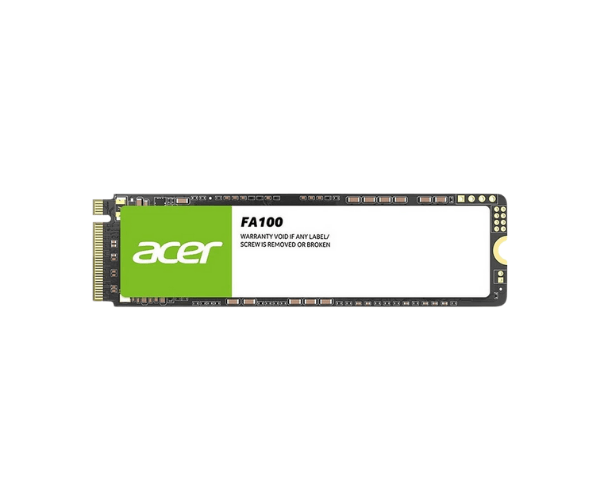
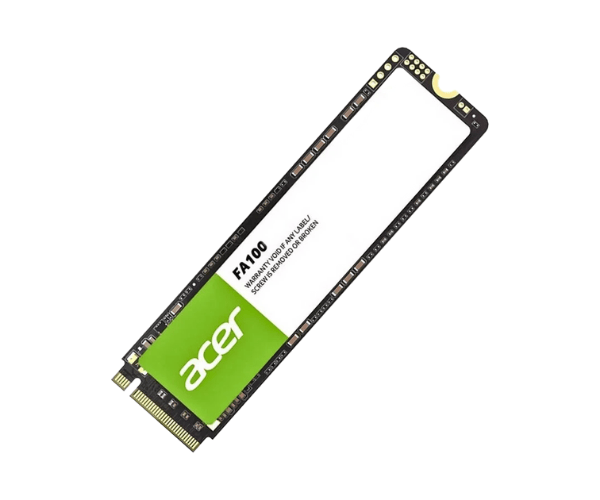
About of Acer FA100 1TB M.2 2280 PCIe NVMe SSD
The
Acer FA100 1TB M.2 2280 PCIe Gen3 x4 NVMe SSD offers ultra-fast read and write speeds, providing enhanced performance for gaming, video editing, and other demanding applications. With 1TB of storage, it ensures reliability and efficiency for all your data needs.
Specification
| Feature |
Details |
| Brand |
Acer |
| Model |
Acer FA100 |
| Type |
Internal SSD |
| Storage |
1TB |
| Form Factor (Inch) |
M.2 2280 |
| Interface Mode |
NVMe |
| Interface(s) |
NVMe PCIe Gen3 x4 |
| PCIe/NVMe Generation |
Gen3 |
| Read Speed (Max.) |
3300MB/s |
| Write Speed (Max.) |
2700MB/s |
| Approx. Power Consumption |
15W |
| Color |
Black |
Description
Acer FA100 1TB M.2 2280 PCIe Gen3 x4 NVMe SSD in BD
The Acer FA100 1-TB M.2 2280 PCIe Gen3 x4 NVMe SSD is a powerhouse in real performance, boasting extremely fast reading/writing speeds. As a gamer, content creator, or professional, this solid-state drive will definitely make your system even more responsive with 1TB of high-speed storage available for all your data.
User Experience
The Acer FA100 1TB M.2 2280 PCIe NVMe SSD has increased my PC's performance considerably. Games load much quicker, and big files can easily be transferred. Installation and usage of the drive have been smooth without any hiccups it has been very reliable. I noticed a huge improvement in load times for everyday tasks and high-demand applications like video editing. With 1TB, the capacity is more than enough for storage, and the speed of the drive keeps my system smooth. This SSD, the Acer FA100 1TB, promises top-notch performance and reliability.
Why Choose the Acer FA100 1TB M.2 2280 SSD?
- Super Speed: Read up to 3500 MB/s and write up to 3000 MB/s, for fast data transfer.
- High Capacity: Store large files, games, and applications on this SSD, which features up to 1TB capacity.
- Reliable Performance: MTBF hours include 1.5 million hours.
- Efficiency: The PCI-e Gen3 x4 NVMe interface is not high-performance and cannot cope with the fast speed of data transfer.
- It will easily handle any gaming, workstation, and heavy-duty computing.
- Easy Installation: Compatible with most modern systems with M.2 PCIe slots.
Installation Steps
- Switch your computer off, unplugging the power to start.
- Open the case and search for your M.2 PCIe slot within.
- Carefully mount the Acer FA100 1TB SSD into this slot.
- Screw it when required to fix tightly.
- Put your case back and re-supply with the power.
- Turn on your computer and enter your BIOS- the drive needs to be detected.
- Now format the SSD as desired and install your operating system or files on it.
What is the Price of the Acer FA100 1TB M.2 2280 PCIe Gen3 x4 NVMe SSD in Bangladesh?
The latest price of
Acer FA100 1TB M.2 2280 PCIe Gen3 x-4 NVMe SSD in Bangladesh depends on quantity.
Crystal Vision Solutions ensure This product has the best market price in Bangladesh. Our product is 100% original and lowest price in Bangladesh. All kinds of services are the best in Bangladesh, and contact us for any information and latest price.