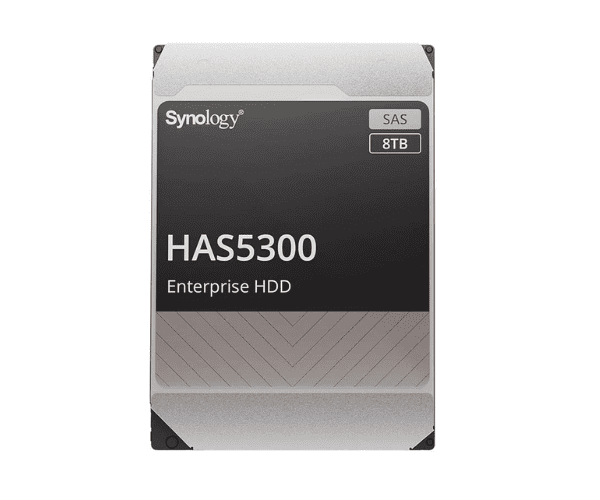
Buy the Synology HAS5300 Series 8TB 7.2K RPM Internal Enterprise Grade HDD #HAS5300-8T
Synology HAS5300 Series 8TB 7.2K RPM Internal Enterprise Grade HDD #HAS5300-8T is engineered to deliver exceptional performance and reliability for enterprise environments. With its high capacity and advanced features, this HDD is designed to meet the demanding needs of data centers and critical business applications.
Key Features:
- Capacity: 8TB, offering ample storage space for large volumes of data.
- RPM: 7,200 RPM for enhanced data access speeds and improved performance.
- Interface: SATA III (6 Gb/s) ensures efficient and reliable data transfer.
- Enterprise Grade: Built to handle heavy workloads and continuous operation with high reliability.
- Durability: Designed with advanced technologies to support long-term, high-performance use.
User Experience:
Users of the
Synology HAS5300 Series 8TB HDD appreciate its robust performance and reliability in demanding settings. The 7,200 RPM speed provides quick data retrieval, which is crucial for high-performance applications and large data sets. Its enterprise-grade construction ensures stability and durability, making it a dependable choice for data centers and business environments that require consistent and reliable storage.
Why Choose the Synology HAS5300 Series 8TB HDD?
The
Synology HAS5300 Series 8TB 7.2K RPM Internal Enterprise Grade HDD #HAS5300-8T is ideal for businesses and enterprise environments seeking a high-capacity, reliable storage solution. Its 8TB capacity supports extensive data storage needs, while the 7,200 RPM speed ensures fast data access and transfer. The enterprise-grade design offers enhanced durability and reliability, making it suitable for continuous use and critical applications.
Product Description:
The
Synology HAS5300 Series 8TB HDD combines high storage capacity with enterprise-level reliability and performance. Here are its detailed specifications
Installation Steps:
- Power Down Your Device: Disconnected from the power source.
- Access the Drive Bay: Open the drive bay by removing any covers or screws.
- Install the HDD: Insert the Synology HAS5300 Series 8TB HDD into the drive bay and secure it with the provided screws or brackets.
- Reconnect and Power On: Close the drive bay, reconnect the power, and turn on your device.
- Initialize and Configure: Use your system’s management interface to initialize and configure the new HDD.
Uses of Synology HAS5300 Series 8TB HDD:
The
Synology HAS5300 Series 8TB 7.2K RPM HDD is ideal for:
- Enterprise NAS Systems: Perfect for high-capacity storage in business environments.
- Data Centers: Suitable for managing large data volumes and supporting critical applications.
- High-Performance Applications: Excellent for tasks requiring fast data access and reliable storage.