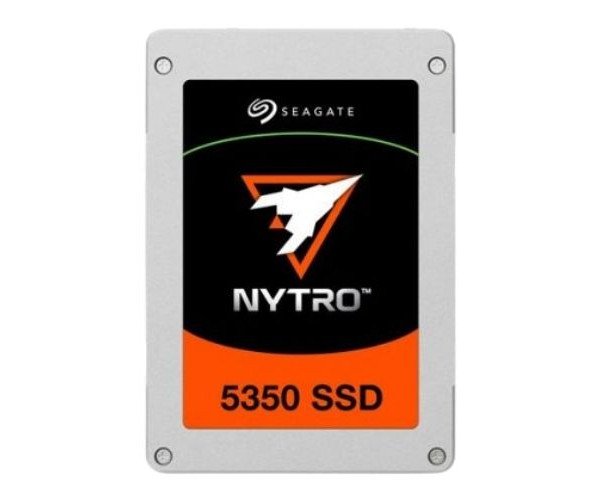
About the Seagate Nytro 5350 XP15360SE70035 15.36 TB Enterprise SSD
The Seagate Nytro 5350 XP15360SE70035 15.36TB Enterprise SSD is designed for high-performance, mission-critical applications. With a massive 15.36TB capacity and optimized for enterprise environments, it delivers exceptional speed and reliability for data-intensive workloads. Ideal for data centers and businesses demanding top-tier storage.
Seagate Nytro 5350 XP15360SE70035 15.36TB Enterprise SSD in BD
The Seagate Nytro 5350 XP15360SE70035 15.36TB Enterprise Solid State Drive has specific design features to meet the most demanding data center or enterprise applications. High read/write speed, endurance, and performance maximize optimization and security for large environments. The Seagate Nytro 5350, whether for databases, virtualized workloads, or high-performance computing, promises absolute reliability and speed.
User Experience
The Seagate Nytro 5350 XP15360SE70035 15.36TB Enterprise SSD has received fantastic reviews from users. This endurable SSD pushes application performance by fast data transfer rates and helps application latency during critical workloads. Enterprises looking to acquire an easy-growing storage option prefer the easy integration of the SSD into existing server environments. Users appreciate reliability with low power consumption and security support, such as AES 256-bit encryption. It is an excellent option for companies that require large-scale, high-performance storage maintaining the reliability factor on any given level.
Why Choose the Seagate Nytro 5350 XP15360SE70035 15.36 TB Enterprise SSD?
The
Seagate Nytro 5350 XP15360SE70035 15.36TB Enterprise SSD is the perfect drive for any business looking to beef up its data storage capabilities. Designed with the ability to handle moderate workloads requiring high data rates, the 15.36TB capacity provides the space necessary for the handling of very large workloads, while the PCIe Gen 3.0 NVMe interface makes it suitable for fast data transfer speeds in the enterprise environment. With a DWPD of 3, it offers very high endurance, which is reliable even in operations that are known to be very punishing. It is complemented by built-in AES 256-bit encryption for data protection, making the Seagate Nytro 5350 a safe option for enterprise applications. Consider this drive to take high performance in storage to another level along with security.
Installation Steps
-
Shut Down the System: Shut down your server or workstation completely before starting the installation.
-
Insert the SSD: Align the Seagate Nytro XP15360SE70035 SSD with the appropriate PCIe slot on the motherboard or storage controller. Gently insert it into the slot and make sure it’s firmly secured.
-
Connect Power: Attach the necessary power connectors to the SSD (if required). Confirm that the drive is receiving power.
-
Power On the System: Turn your system back on. Enter the BIOS or UEFI setup menu and verify that the drive is recognized.
-
Install Drivers (If Needed): Download and install any required drivers for the Seagate Nytro 5350 to ensure optimal performance.
-
Configure the Drive: Set up the drive within your operating system or configure it as part of a RAID array, depending on your storage setup.
-
Run Performance Tests: After setup, run benchmark and reliability tests to confirm the SSD is functioning correctly and delivering the expected performance.