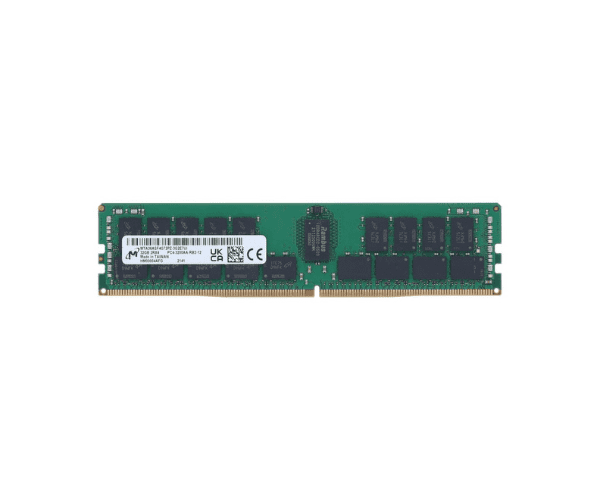
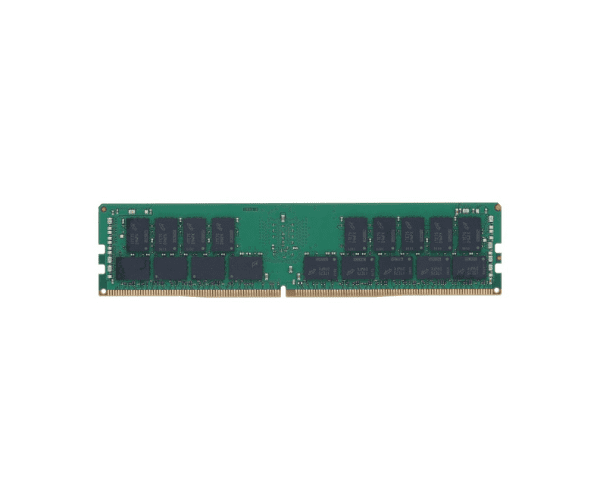
About of Micron 32GB 850881-001 PC4-21300 2RX4 Server Memory
The Micron 32GB 850881-001 PC4-21300 2RX4 Server Memory is designed for high-performance server applications, offering 32GB capacity and 2666MHz speed to enhance data processing efficiency and reliability.
Description
The Micron 32GB 850881-001 PC4-21300 Server Memory is engineered to meet the demands of modern server environments. With 32GB of DDR4 SDRAM operating at a speed of 2666MHz, it delivers exceptional performance for data-intensive applications. The 2RX4 configuration enables high data transfer rates, ensuring smooth operation and improved server efficiency. Equipped with ECC (Error-Correcting Code) technology, this memory module detects and corrects data errors, providing reliable data integrity essential for critical server tasks. Running at a low voltage of 1.2V, the Micron 32GB 850881-001 PC4-21300 Server Memory is also energy-efficient, helping to reduce overall power consumption.
User Experience
Users benefit from enhanced server performance and stability with the Micron 32GB 850881-001 PC4-21300 Server Memory. The 32GB capacity and high-speed DDR4 technology support efficient multitasking and data processing, while the ECC feature ensures data accuracy and reliability.
Installation Steps
- Power Down Server: Turn off and disconnect the server from power sources.
- Open Server Chassis: Remove the chassis or access panel to access the DIMM slots.
- Insert Memory Module: Align the Micron 32GB 850881-001 PC4-21300 Server Memory with the slot and press it firmly until it clicks into place.
- Secure Module: Ensure the module is properly seated and the clips on either side are engaged.
- Power Up Server: Reconnect power and restart the server. Verify that the new memory is detected in the BIOS.