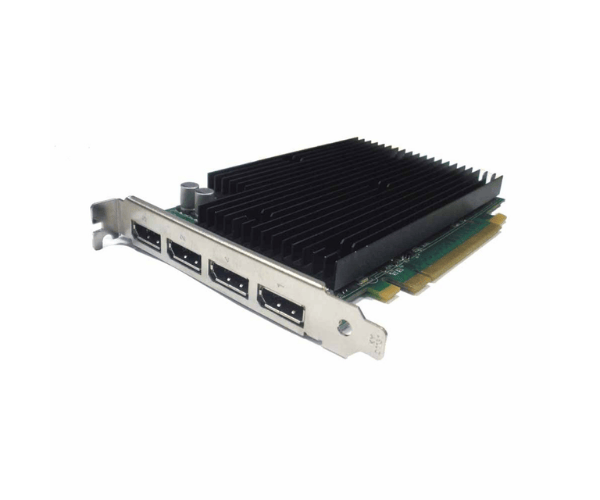
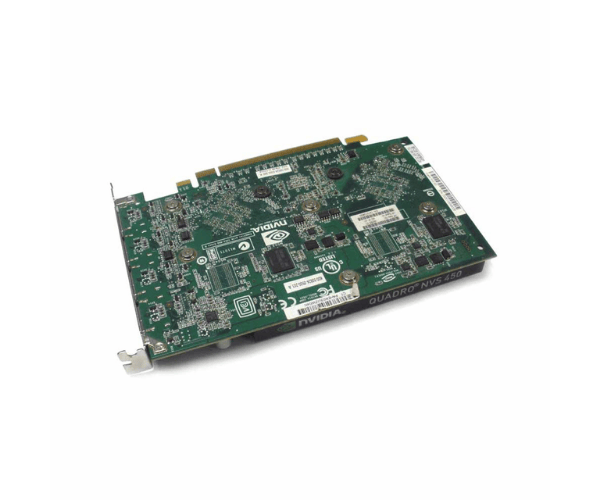
HP 490565-001 nVidia NVS450 4-Port PCIe 512MB Video Card
The
HP 490565-001 nVidia NVS450 4-P PCIE 512M Video Card delivers exceptional graphics performance for professional and business applications. Designed with 512MB of memory and four display outputs, this video card enhances multi-monitor setups, providing clear, detailed visuals and smooth operation for demanding tasks.
User Experience
The
HP 490565-001 nVidia NVS450 512MB PCIe Video Card is well-regarded for its robust performance in multi-monitor environments. Users appreciate its ability to drive up to four displays simultaneously, making it ideal for complex work setups. The 512MB memory ensures smooth graphics rendering and efficient handling of professional applications, such as CAD and digital content creation. The passive cooling system operates quietly, adding to the overall positive user experience. The card’s compatibility with a range of HP workstations and PCs makes it a versatile choice for enhancing visual performance.
Why Choose the HP 490565-001 nVidia NVS450 512MB PCIe Video Card?
The
HP 490565-001 nVidia NVS450 512MB PCIe Video Card offers excellent value for those needing high-quality graphics for professional tasks. Its 512MB of memory and support for four simultaneous displays make it perfect for multitasking and detailed visual work. The PCI Express interface ensures high data transfer rates, while the passive cooling system keeps operations quiet. Choosing the
HP 490565-001 nVidia NVS450 means investing in a reliable video card that enhances productivity with clear and precise visuals, making it a top choice for business and professional use.
Installation Steps
- Shut down the computer and unplug all cables.
- Remove the computer case to access the internal parts.
- Find an empty PCI Express slot on the motherboard.
- Remove the metal bracket from the slot if needed.
- Insert the HP 490565-001 nVidia NVS450 512MB PCIe Video Card into the PCI Express slot firmly.
- Fasten the card to the case with screws if necessary.
- Connect the computer case cables and close the case.
- Reconnect all external cables and power on the computer.
- Install the necessary drivers for the HP 490565-001 nVidia NVS450 from the included CD or download them from the HP website.
- Configure display settings through the operating system to utilize the four outputs effectively.